
Fill the Character Card
Choose the character type, mood, art style, and the visual details that matter most.
Character Card
Fill the core fields first. Add advanced details only when they matter to the character.
Character Result
The result appears here after your structured character brief is generated.
AI Character Generator
Create fantasy, anime, RPG, sci-fi and original character art from a structured character card instead of a blank image prompt.
Choose the character type, mood, art style, and the visual details that matter most.
Pick a fantasy, anime, or sci-fi starter to auto-fill the fields, then customize it.
Create one focused AI character image from the structured brief.
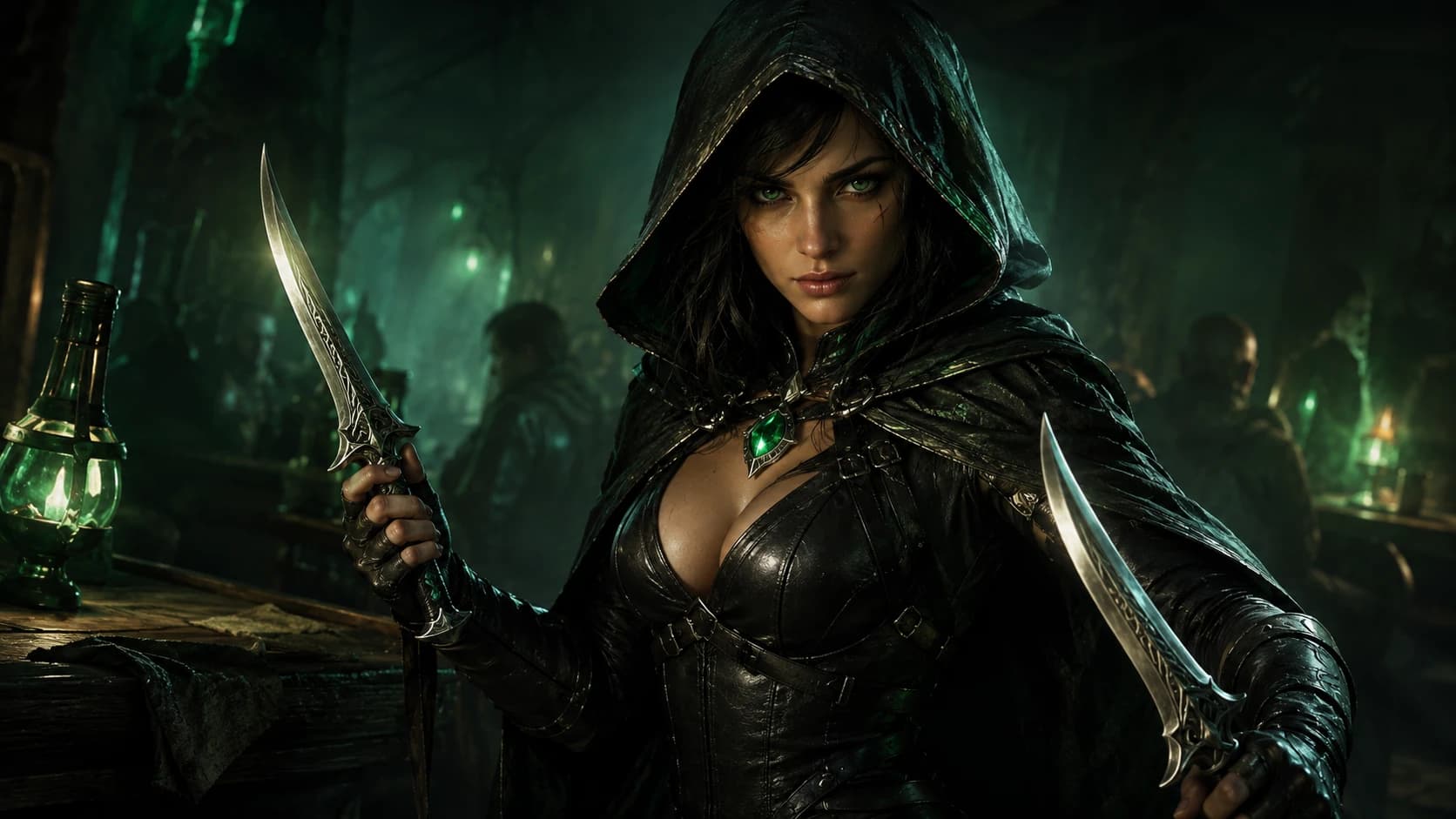
A polished hero portrait with outfit, props and story mood.
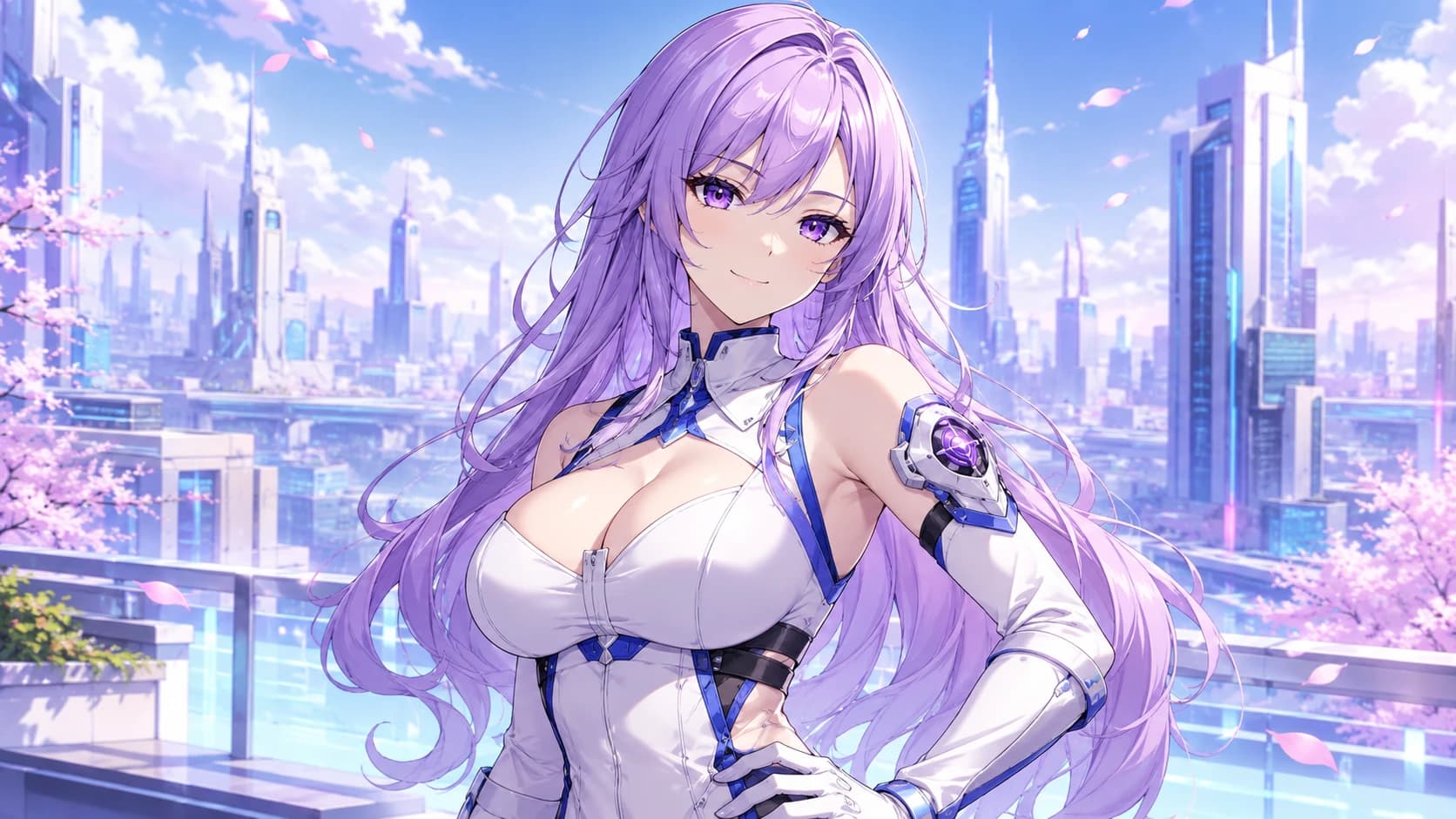
A clean original character with expressive color and style.
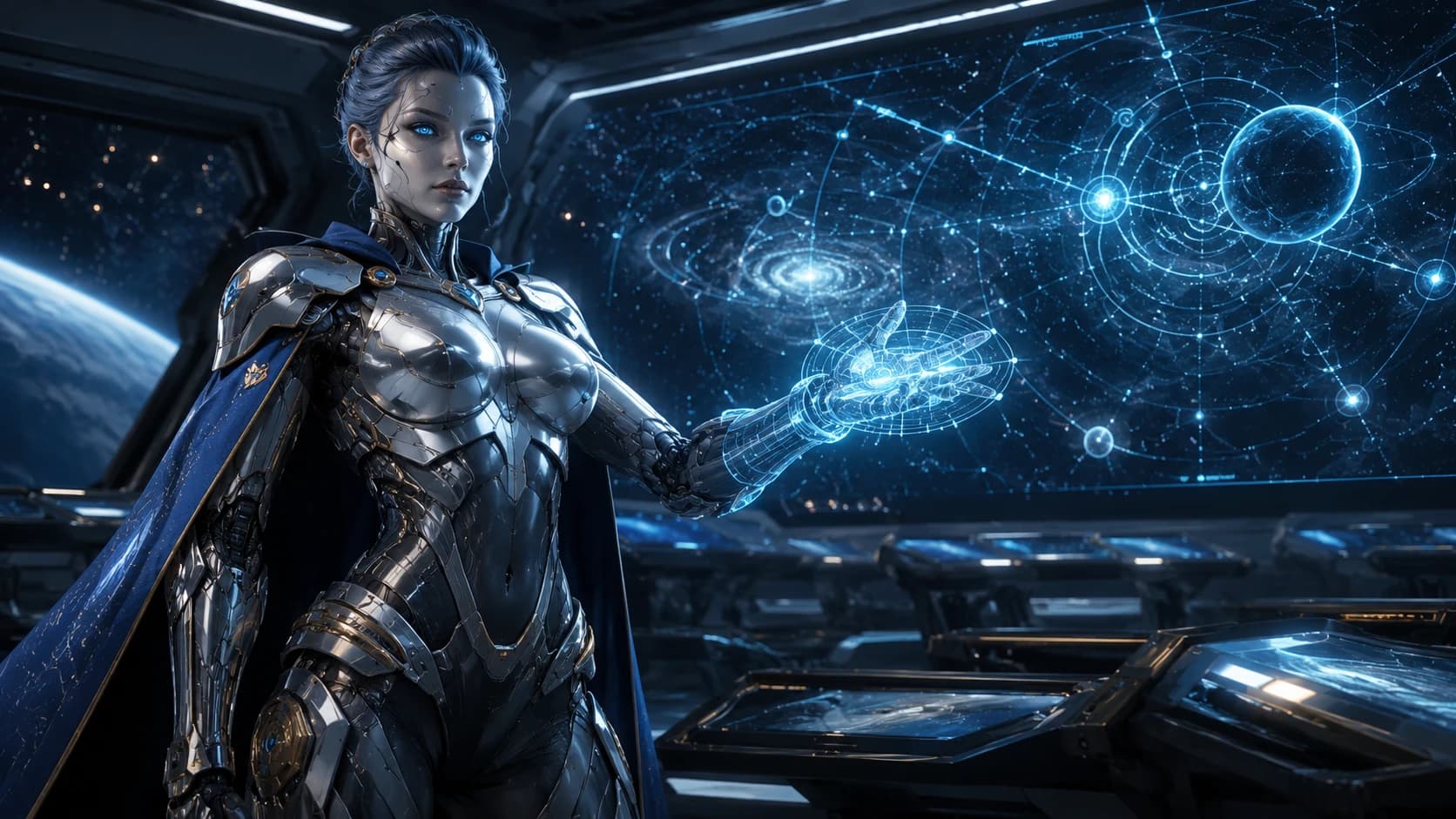
A futuristic portrait shaped by gear, setting and lighting.
Inspiration Starters
Use an example to fill the character card, then adjust the fields so the result feels like your own character.
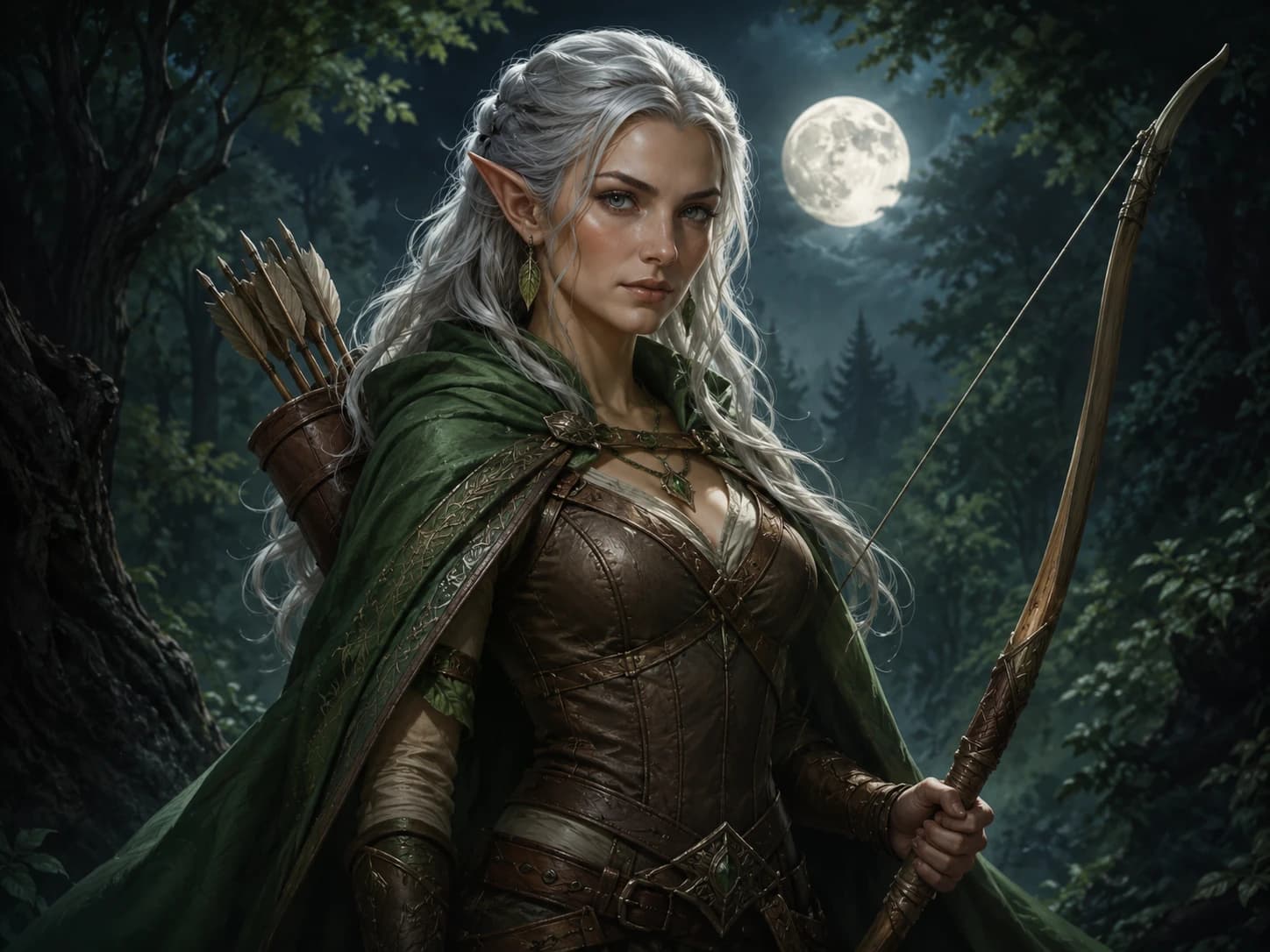
A silver-haired ranger with a cloak, longbow and moonlit forest mood.
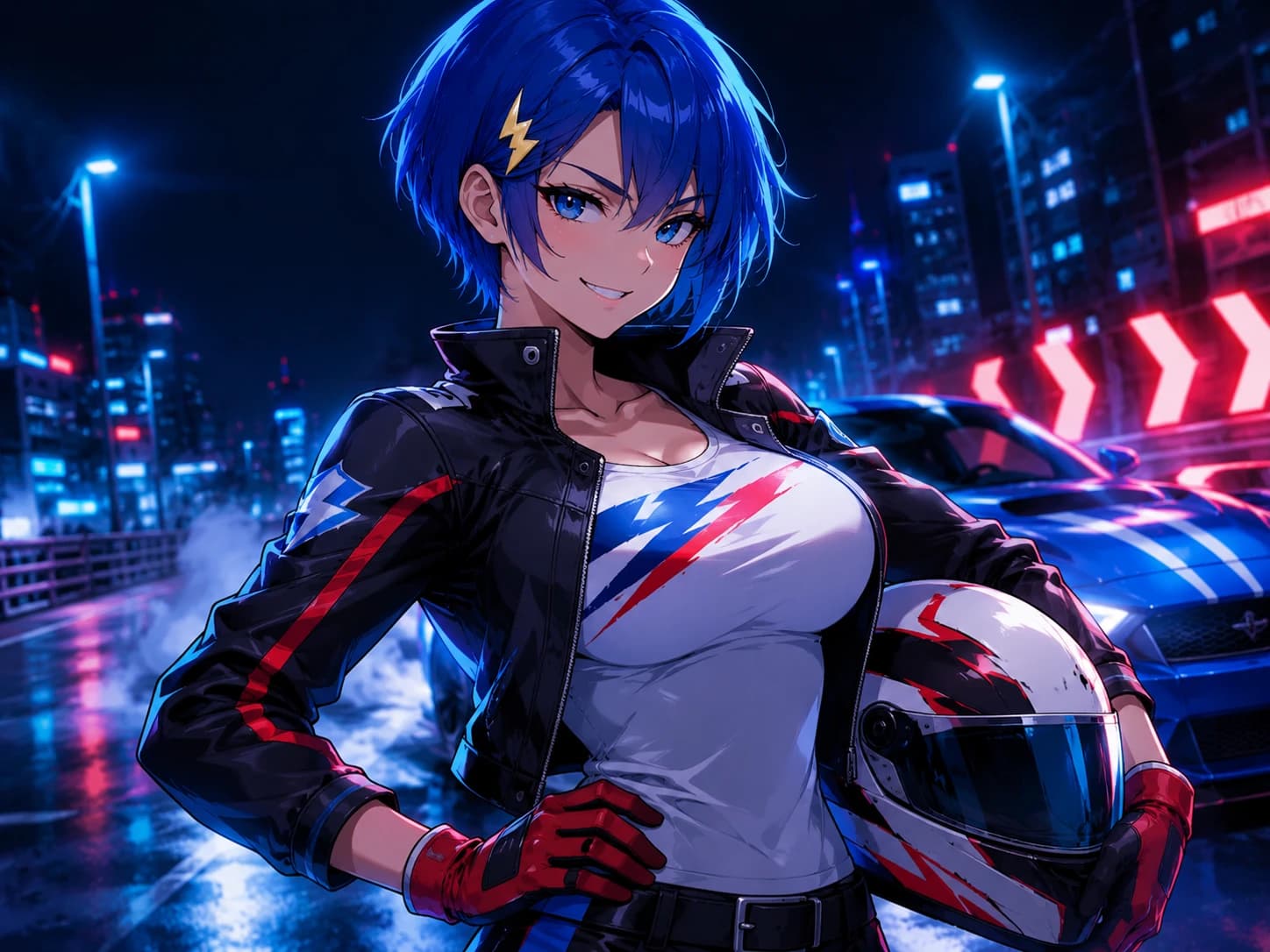
An expressive original character with bold hair, jacket and city energy.
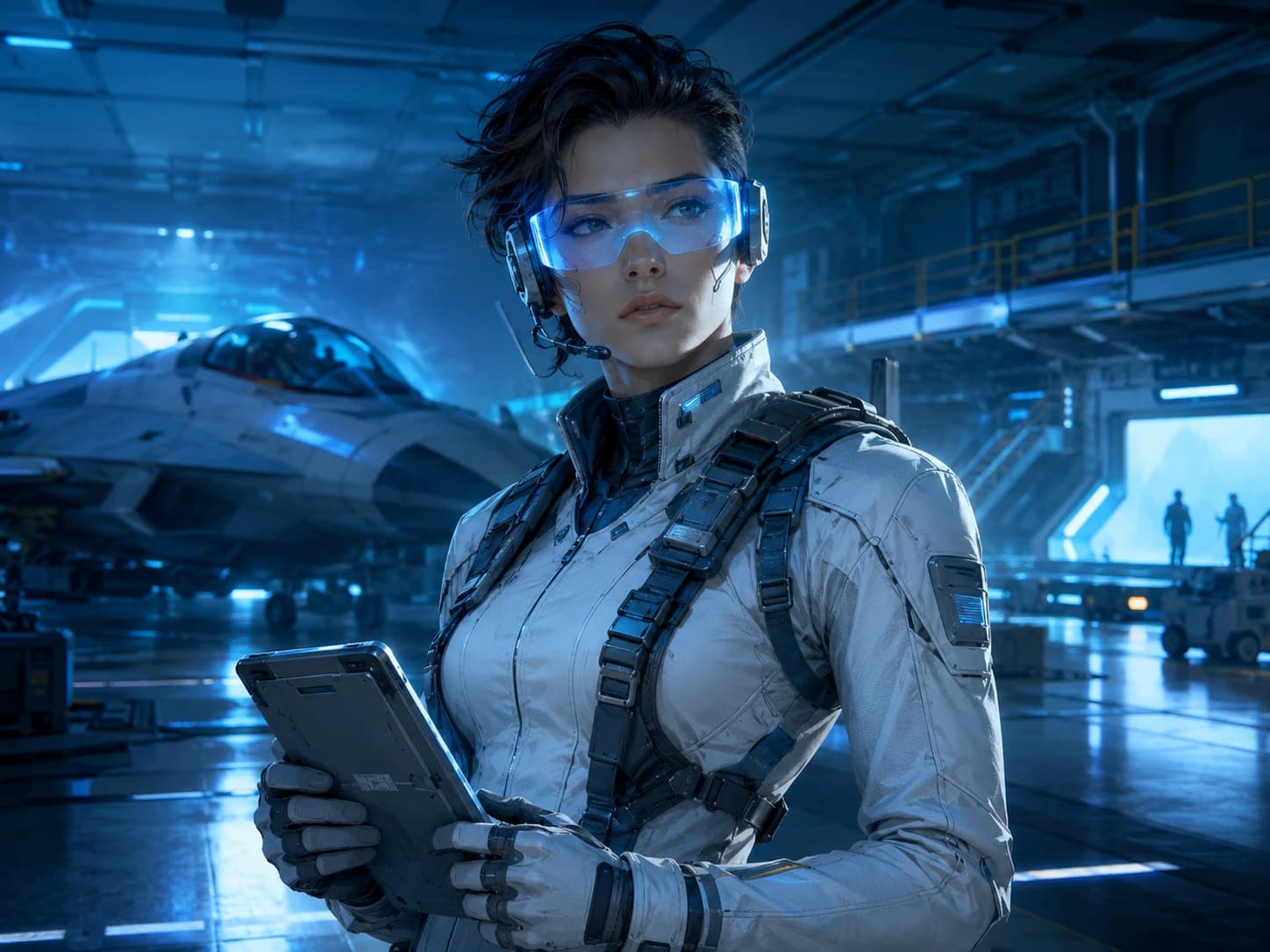
A futuristic pilot with tactical gear, visor glow and hangar lighting.
Character Creation Guide
Strong AI character art usually comes from a few clear choices: what the character is, what makes them recognizable and what visual mood should surround them.
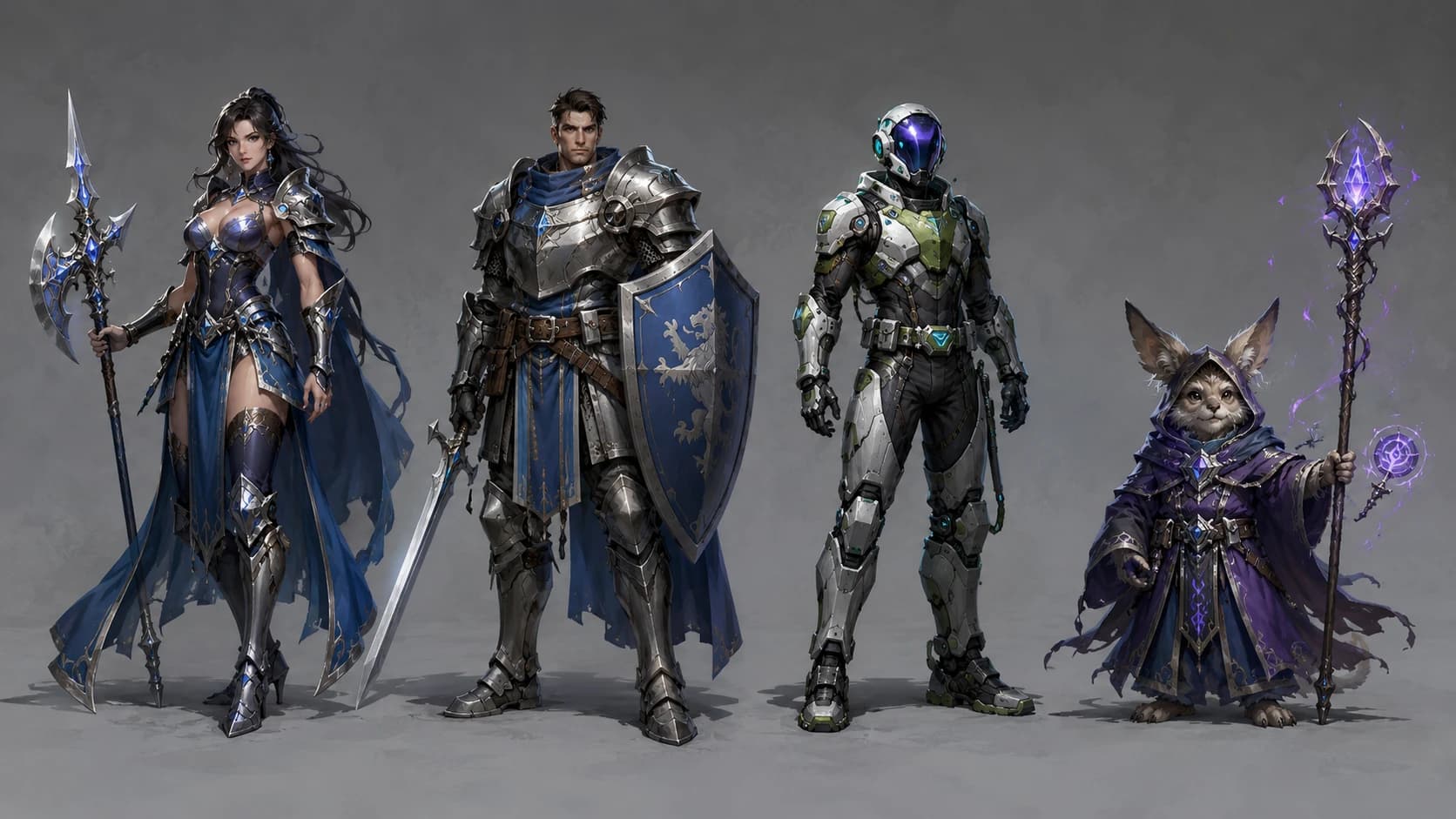
Start with fantasy, anime, sci-fi, original, or realistic so the generator understands the world before the details.
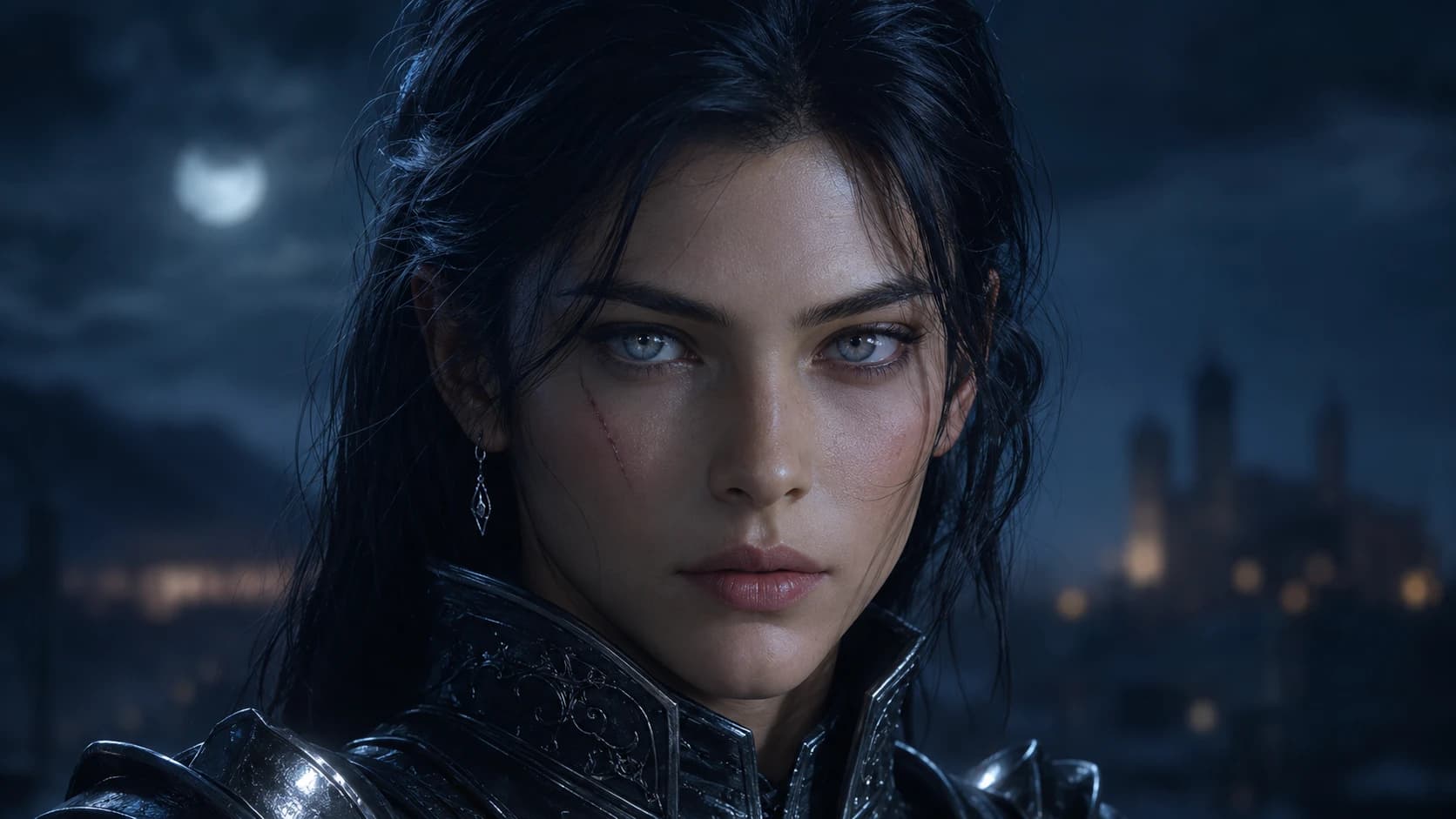
Add visible anchors such as hair, eyes, scars, expression, body language, or a signature silhouette.
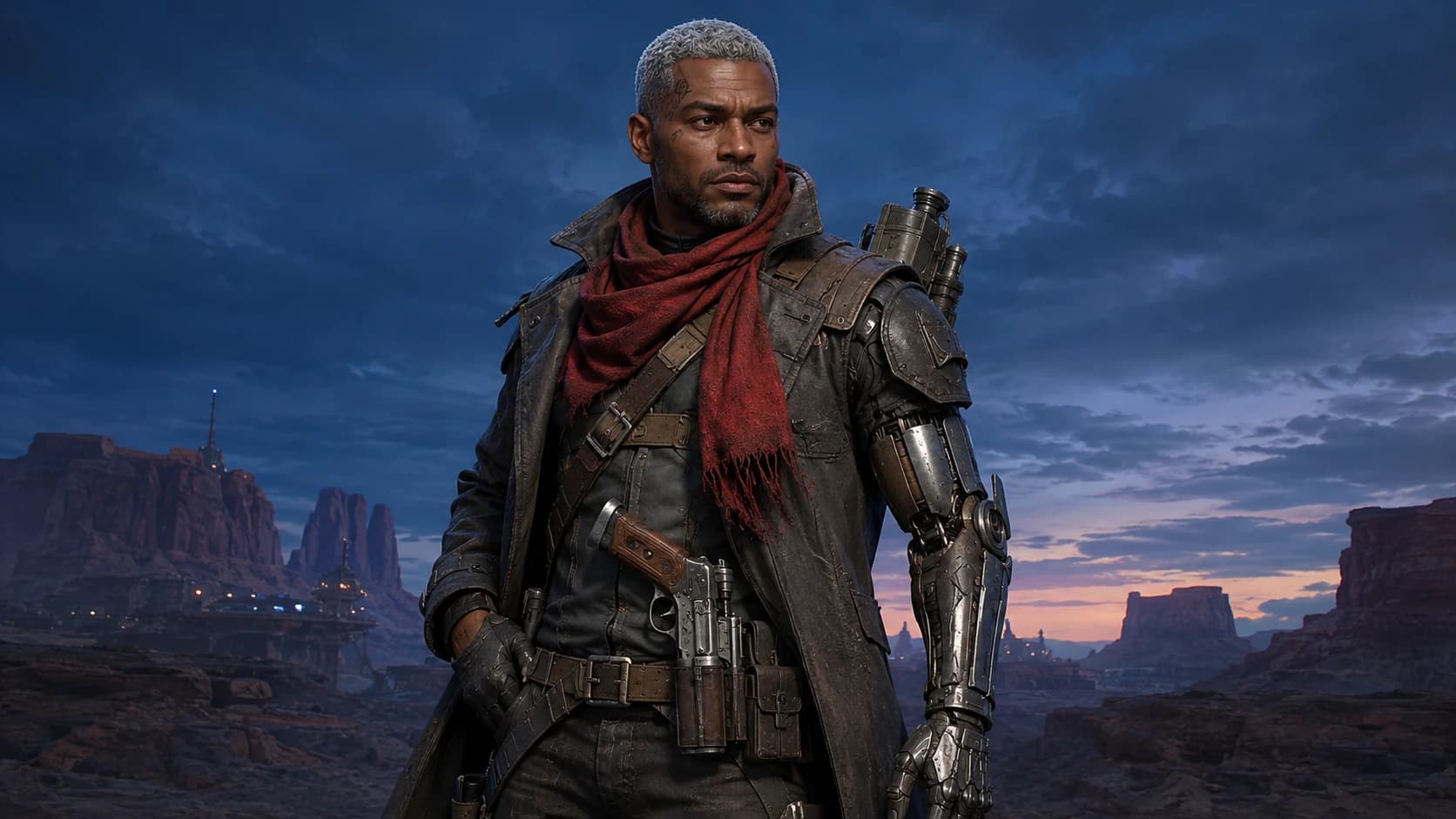
Use clothing, armor, weapons, tools, and accessories to make the character role clear.
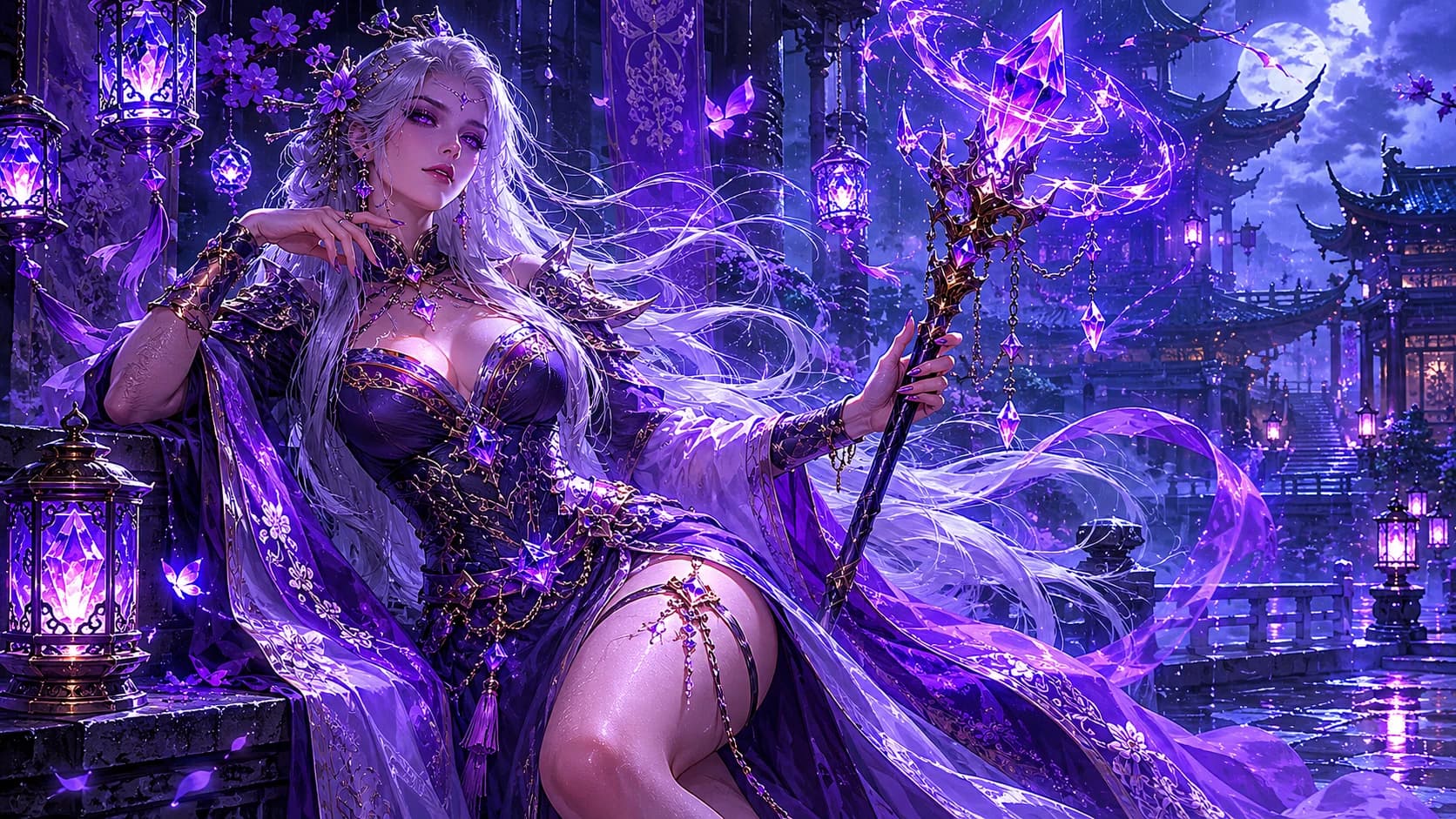
Choose a mood and background so the character art feels connected to a story, game, or scene.
An AI character generator turns structured character details into AI character art. Instead of starting from a blank prompt, you describe the character type, features, outfit, mood, setting and style.
A text to image generator accepts any prompt. This AI character creator is built around a character card, so the page guides you through the details that make a character recognizable.
Yes. Choose Anime as the character type or art style, then add hair, outfit, expression, pose, personality and mood details for an anime original character.
Yes. This page can create RPG character art, while the dedicated D&D character portrait generator is better when you want ancestry, class and tabletop-specific fields.
No. Start with a simple character idea. The character card helps organize role, style, key features, clothing, accessories and setting into a clearer generation brief.
Use generated character art for avatars, story references, game NPC concepts, RPG campaigns, original characters, creative profiles and visual worldbuilding.
No. A random character generator creates traits for you. This page creates visual AI character art from the direction you provide.