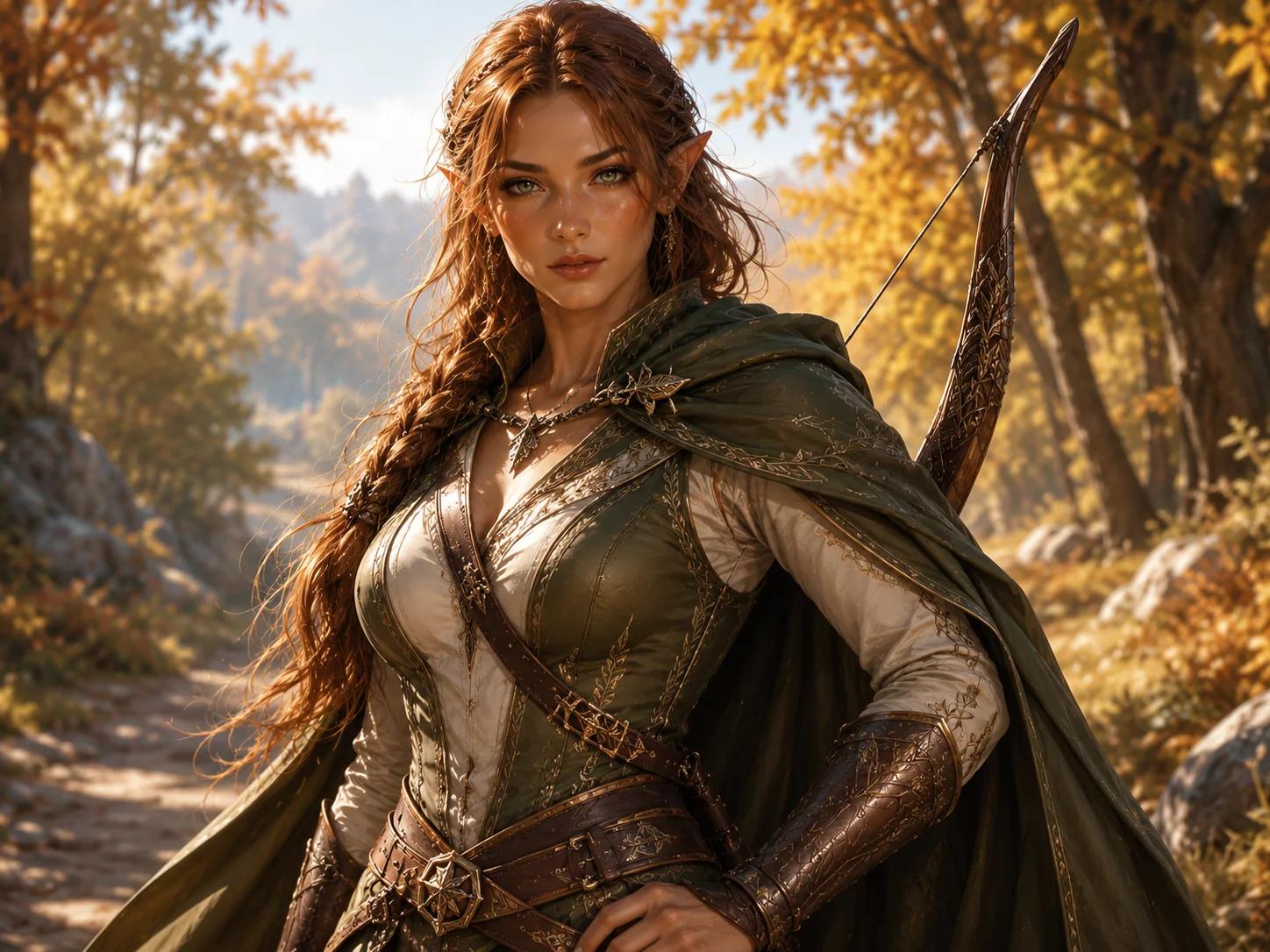
Elven Ranger
An alert wilderness scout with a moonlit longbow, travel cloak and readable elven facial features.
Free Online D&D Portrait Tool
Build a focused fantasy RPG portrait from ancestry, class, equipment, appearance and mood. The guided form handles the image prompt, so you can concentrate on the character you want to play.
Character Brief
Complete the ancestry, class and portrait fields, then add one defining detail you want reflected in the image.
Free portraits use Epic Fantasy. Paid plans unlock all styles.
Hero unlocks HD and 4K output.
Create one standalone high-quality tabletop RPG character portrait of an adult female Human Paladin. Identity: natural human facial features, expressive eyes, realistic skin detail. Class and gear defaults: polished plate armor, holy symbol, shield or sheathed sword, noble protective presence. Composition: upper-body portrait from head to waist, centered character, eye-level camera, not a close-up headshot, not a full-body distant shot, face clearly visible, torso, shoulders, outfit, and key gear visible, face occupies about 25-30% of the image. Lighting: soft readable portrait lighting, clear eyes, natural skin or material detail, controlled shadows, no face hidden in shadow. Background: softly blurred low-detail fantasy setting, supports the character without competing with the face or silhouette. epic fantasy digital painting, campaign-book energy, richly detailed costume and armor, heroic scale Avoid: no text, no watermark, no logo, no UI, no character sheet layout, no distorted hands, no extra fingers, no extra limbs, no cropped head, no blurry face, no low quality.
One successful guest portrait. Failed generations do not consume the trial.
Portrait Reveal
Your generated fantasy RPG portrait appears here, ready to review and download.
Your portrait will appear here
Complete the character brief and generate one focused fantasy RPG portrait.
Portrait examples
A useful portrait should communicate the character before the player explains an entire backstory. Ancestry shapes the face, class shapes the outfit and silhouette, while one signature item gives the image a memorable visual anchor.
An alert wilderness scout with a moonlit longbow, travel cloak and readable elven facial features.
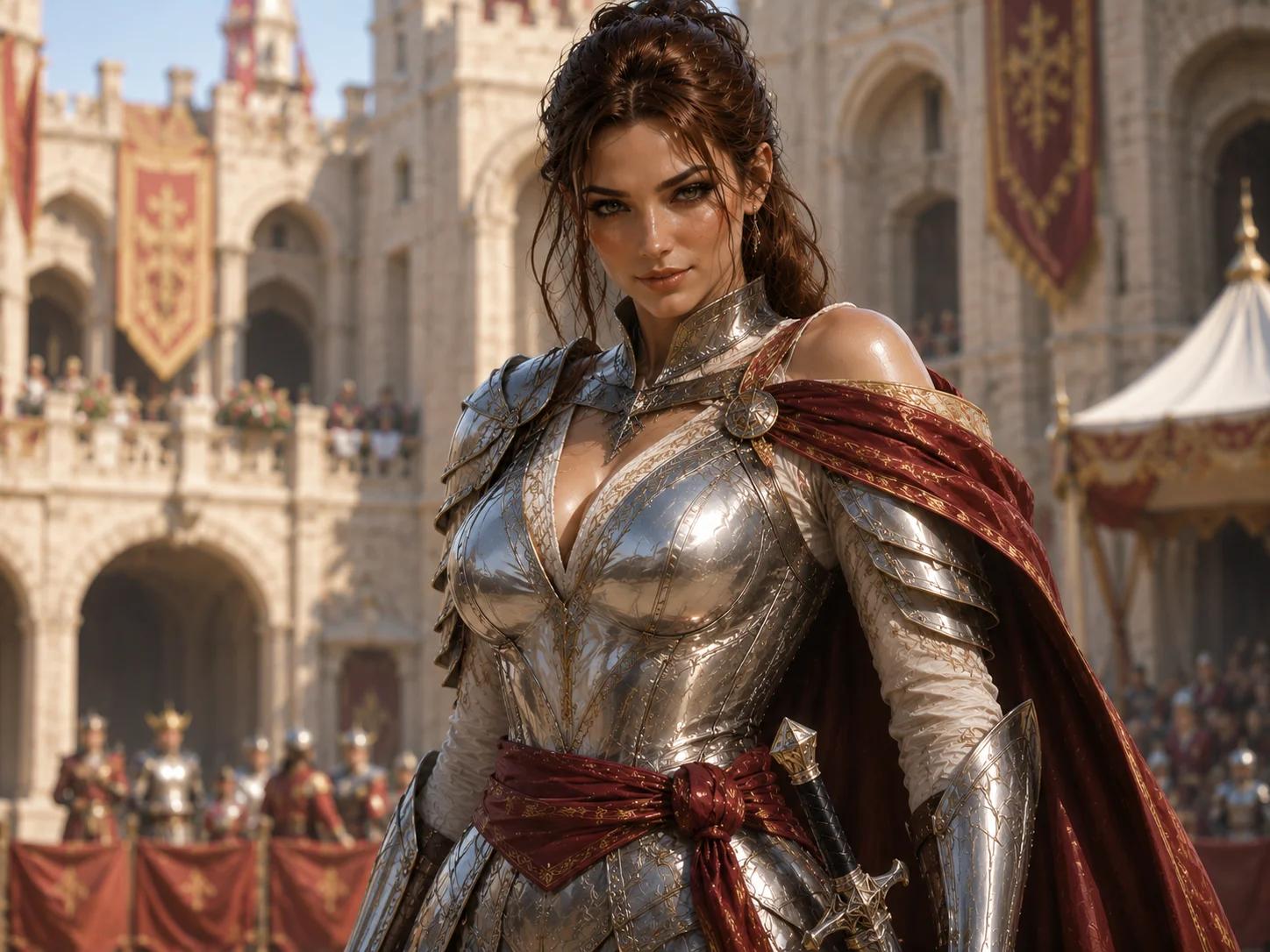
A grounded armored champion with clear heraldry, battle wear and a serious campaign-book finish.
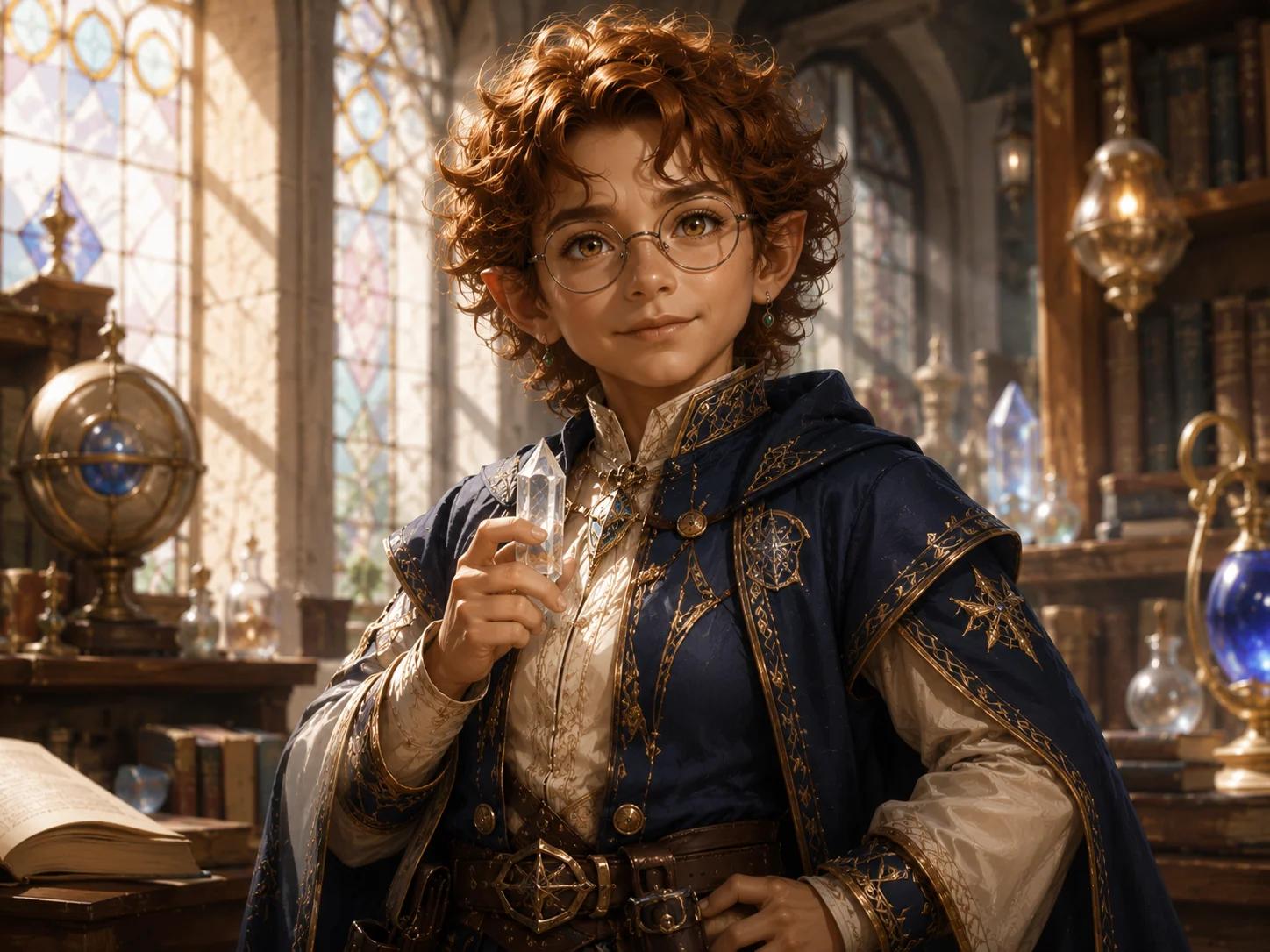
A focused spellcaster with an ancient arcane object, layered costume details and controlled magical light.
Better character briefs
Strong portrait prompts are usually shorter than full backstories. They describe what the camera can see: the character’s ancestry, role, signature gear, visible features and immediate mood. The generator translates those fields into a consistent portrait composition.
Set the facial structure, ears, horns, scales or overall build.
Guide armor, clothing, posture and the type of equipment shown.
Choose one weapon, holy symbol, spell focus or practical tool.
Add a scar, hairstyle, jewelry, marking or memorable expression.
Use a tavern, temple, battlefield or moonlit forest to guide light.
Choose epic fantasy, realistic painting or anime fantasy.
Campaign uses
The generator is not limited to the main player character. A focused upper-body portrait also works for recurring NPCs, villain reveals, virtual tabletop profiles and campaign notes.
Use a readable face and class silhouette for online sessions, profile tokens and character introductions.
Give important allies, rivals, merchants and antagonists a visual identity players can remember.
Add consistent portraits to lore pages, session summaries and private campaign documents.
Output and privacy
Each generation produces one image. Download it for your private campaign materials, then adjust the character brief and generate another version when you have portraits available. Generated images are not automatically published to a public gallery.
Creating an original fantasy hero without a D&D-specific character sheet? Use the fantasy character portrait generator for broader story, game and avatar use cases.
The first version keeps the result simple and predictable.
Create one guest portrait and receive two bonus portraits after registration.
Your character concept and result are not automatically made public.
FAQ
Character Guides
Use these practical guides to choose visible details, write a focused character brief, and prepare the final image for campaign use.
D&D Character Pose Guide
Plan D&D portrait poses with front-facing, three-quarter, ready-for-battle, and spellcasting options. Keep the face, hands, silhouette, and action readable.
Read guideD&D Portrait Guide
Learn how to write a focused D&D character portrait prompt using ancestry, class, equipment, appearance, mood, composition, and a single readable story detail.
Read guideCharacter Design Guide
Describe a D&D character’s face, ancestry, clothing, equipment, expression, and story marks with enough visual detail to create a readable fantasy portrait.
Read guideCleric Outfit and Vestments Guide
Build D&D cleric outfit ideas for readable portraits with vestments, armor, holy symbols, travel gear, materials, and face-first framing for original RPG art.
Read guideFantasy Character Portrait Lighting Guide
Learn fantasy character portrait lighting that keeps the face, costume, and silhouette readable. Use magical sources, contrast, color, and checks for RPG art.
Read guideCharacter Portrait Expression Guide
Use D&D character portrait expressions to show resolve, suspicion, threat, and calm through eyes, mouth, posture, lighting, and focused RPG portrait prompts.
Read guideDragonborn Portrait Prompt Guide
Write D&D dragonborn portrait prompts for head shape, scales, horns, equipment, expression, lighting, and a readable square upper-body crop, then test them.
Read guideTiefling Warlock Portrait Prompt Guide
Learn how to write D&D tiefling warlock portrait prompts with visible horns, face-first framing, pact clues, clothing, mood, and a focused square composition.
Read guide