
From Prompt to Product: How to Generate Best-Selling AI Stickers and T-Shirt Designs
POD workflow for Nano Banana Pro: die-cut sticker prompts, trending styles, 4K output for tees, and clear text rendering.
Introduction
The barrier to entering Print on Demand has never been lower. Selling on Etsy, Redbubble, or Shopify usually bottlenecks on design. You do not need to be an illustrator anymore—you need the right workflow. Nano Banana Pro generates clean, isolated subjects with sharp edges, perfect for stickers, t-shirts, and badges. This guide gives you the exact prompt formulas to turn text into sellable products.
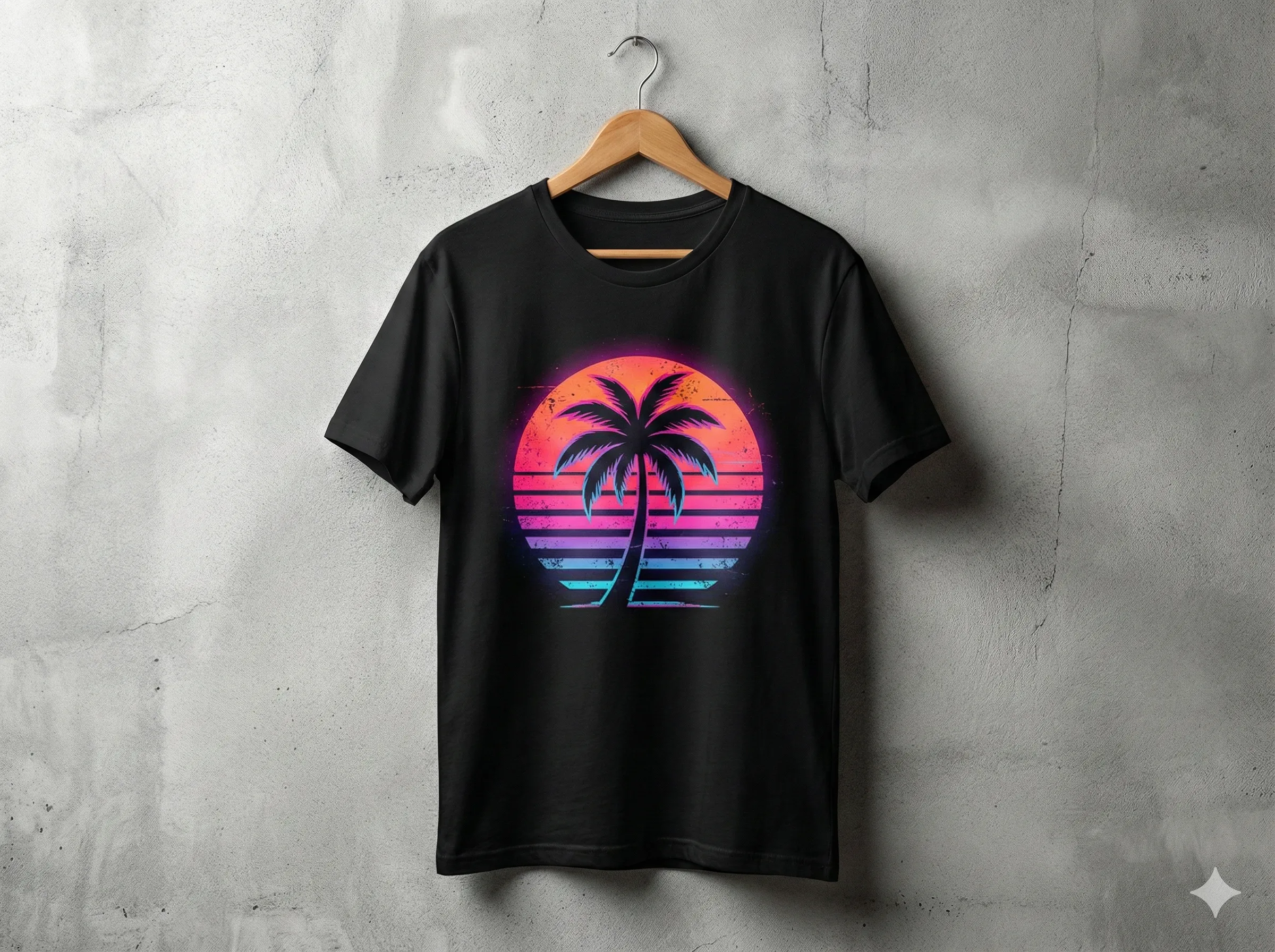
1) The Die-Cut Sticker Formula
The classic die-cut sticker is a standalone design with a thick white border, ready to peel. To get this straight from AI, be explicit about background and border.
- Keyword strategy: always include "die-cut sticker", "white border", "white background".
- Prompt formula: [Subject], die-cut sticker, vector art style, thick white border, white background, flat color, 2d, smooth lines, no shadow, high quality.
- Pro tip: Nano Banana Pro handles negative space well; the white background makes background removal a one-click step if you need transparent PNGs.
2) Exploring Best-Selling Styles
Do not stick to one look. Rotate through styles that convert on POD platforms:
- Kawaii / Cute: chibi, pastel colors, simple shapes, adorable expression. Great for planner stickers and stationery.
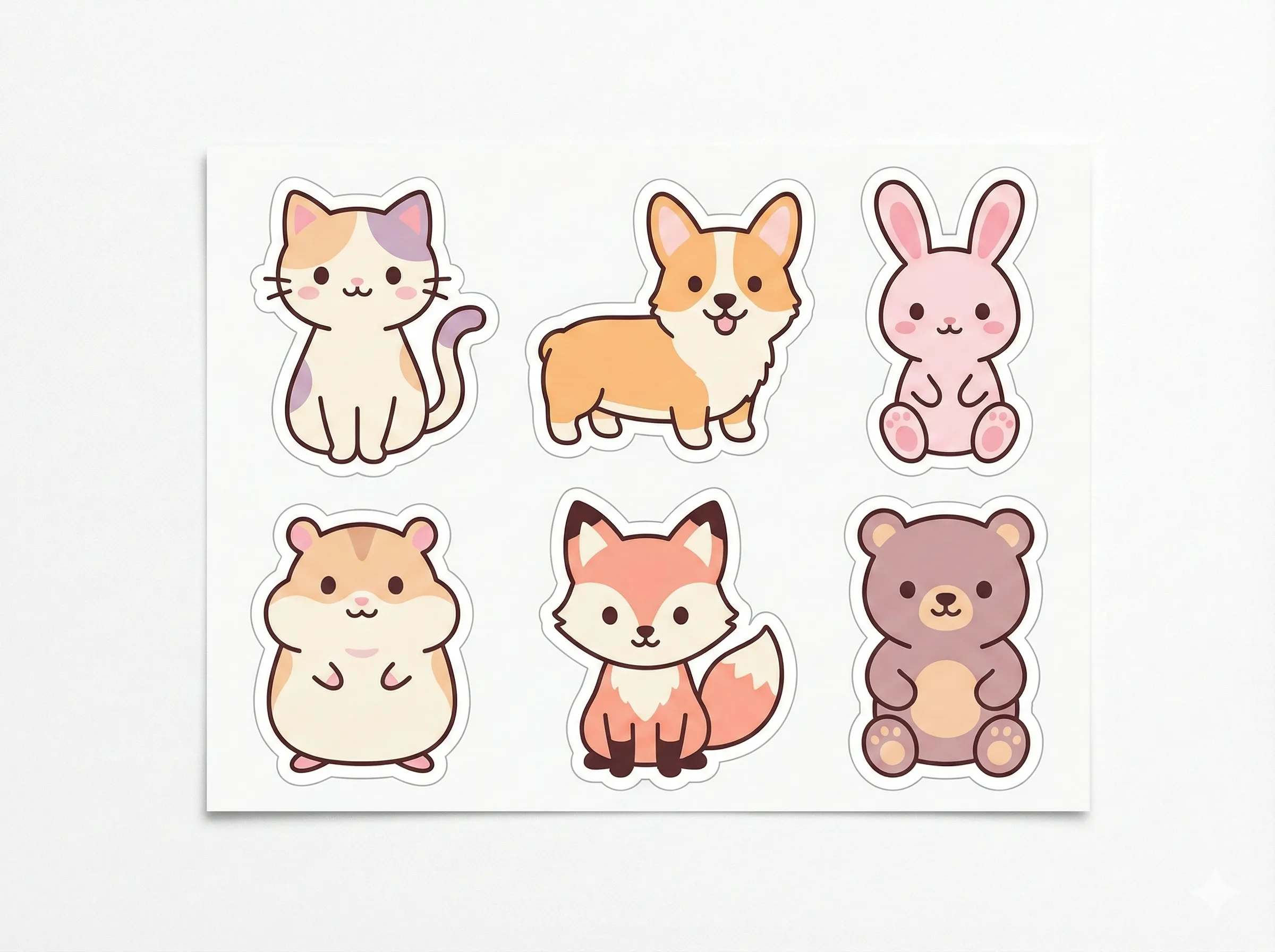
- Vintage / Retro Sunset: retro 80s synthwave, distressed texture, sunset circle background, vector illustration. A proven t-shirt classic.
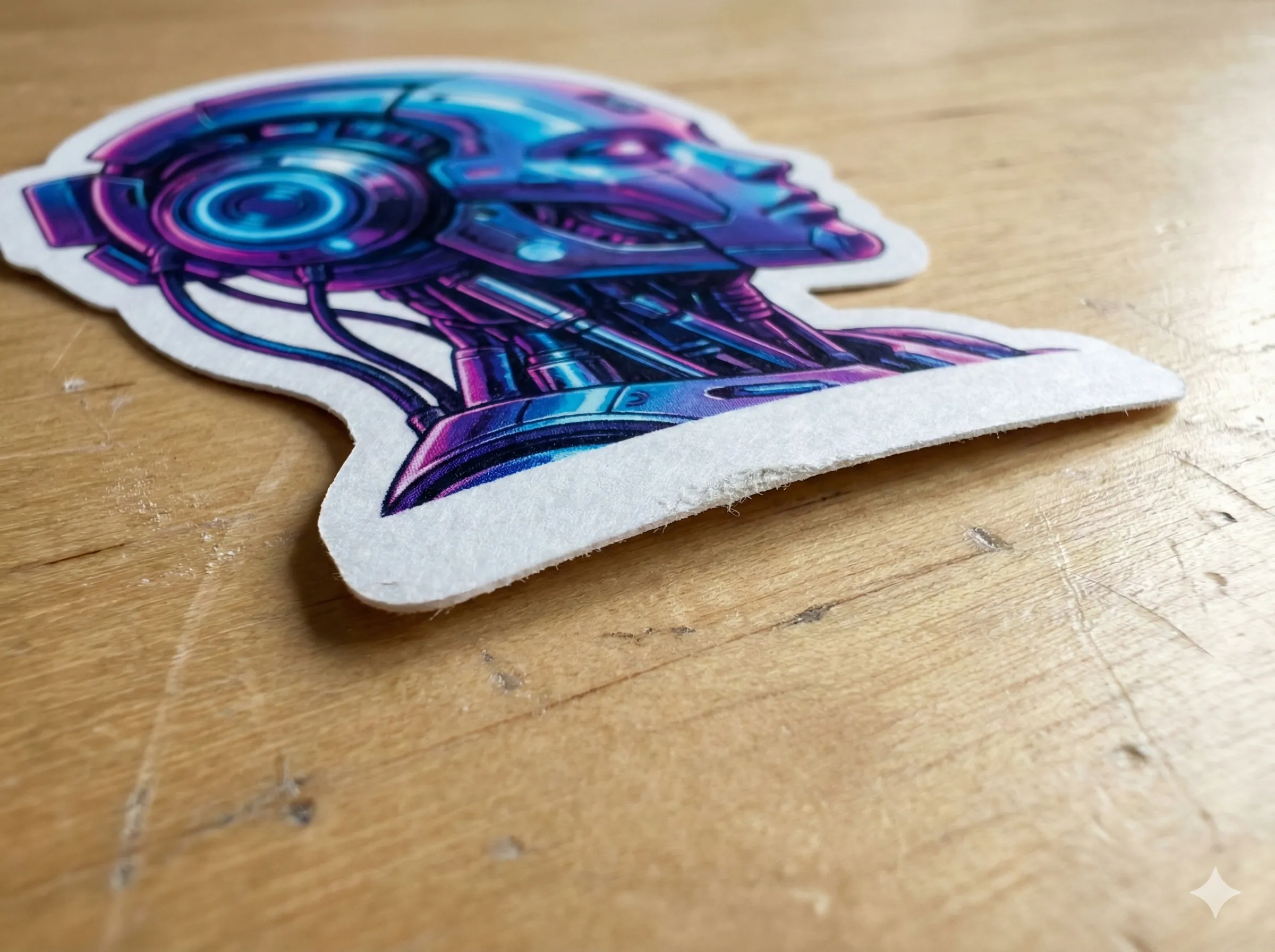
- Cyberpunk / Neon: neon outline, glowing edges, dark background (for tees), vibrant contrast. Strong for gaming niches.
3) From Screen to Shirt: Handling Resolution
Phone-sized images look fine on screen but blur on fabric. POD needs high DPI, so use Nano Banana Pro 4K output.
- Generate with vector-style wording for crisp edges.
- Upscale to the maximum resolution.
- When placing on a t-shirt mockup, check edges stay sharp; vector style helps avoid AI artifacts or weird textures.
4) Adding Text (Typography)
Text sells faster. Nano Banana Pro renders short words clearly.
- Try: a sticker of a cute cat holding a sign that says "NOPE", bold typography, clean font.
- Keep text short and bold; verify legibility on both light and dark backgrounds.
Conclusion
You are more than a prompt engineer—you are a product designer. By mastering "die-cut" and "vector" keywords in Nano Banana Pro, you can fill a store with unique designs in an afternoon. Start your collection today and run the die-cut formula now.
Recommended Reading
More Nano Banana Pro guides and workflows you may find useful.
The Virtual Influencer Formula: Keep One Face Consistent
Stop random faces. Use Nano Banana Pro multi-image fusion plus image-to-image workflows to keep one AI character consistent across 100+ photos.
ChatGPT Image Generation Guide 2026: Complete Overview
A practical 2026 guide to ChatGPT image generation, covering GPT-Image 1.5 features, prompt templates, workflow optimization, and real-world use cases for creators and businesses.
Midjourney Parameters Handbook: 2026 Syntax Update
A practical 2026 handbook for Midjourney parameters, with new syntax additions, parameter combinations, workflow tips, and examples for creators and teams.