
GPT-Image 1.5 Review: Perfect Text & Transparent Backgrounds
Introduction
Stop struggling with garbled AI text. Stop wasting hours manually removing backgrounds in Photoshop.
In December 2025, OpenAI quietly released its latest flagship model: GPT-Image 1.5. While the rest of the world was focused on hyper-realism (which everyone can do now), GPT-Image 1.5 solved the "last mile" problems that have frustrated designers for years: Typography and Transparency.
As one of the first platforms to fully integrate this model, NanoEditor has put it to the test. Here is why GPT-Image 1.5 is the production-ready tool you’ve been waiting for.
1. Finally, Text That is Actually Readable
For years, even the best models like DALL-E 3 struggled with simple words. You asked for a logo that said "Coffee," and you got alien hieroglyphics.
The GPT-Image 1.5 Upgrade: Powered by a new Transformer architecture with enhanced language understanding, GPT-Image 1.5 masters typography. Whether it is a complex movie title, a brand slogan, or a label on a bottle, the text renders sharply and accurately.
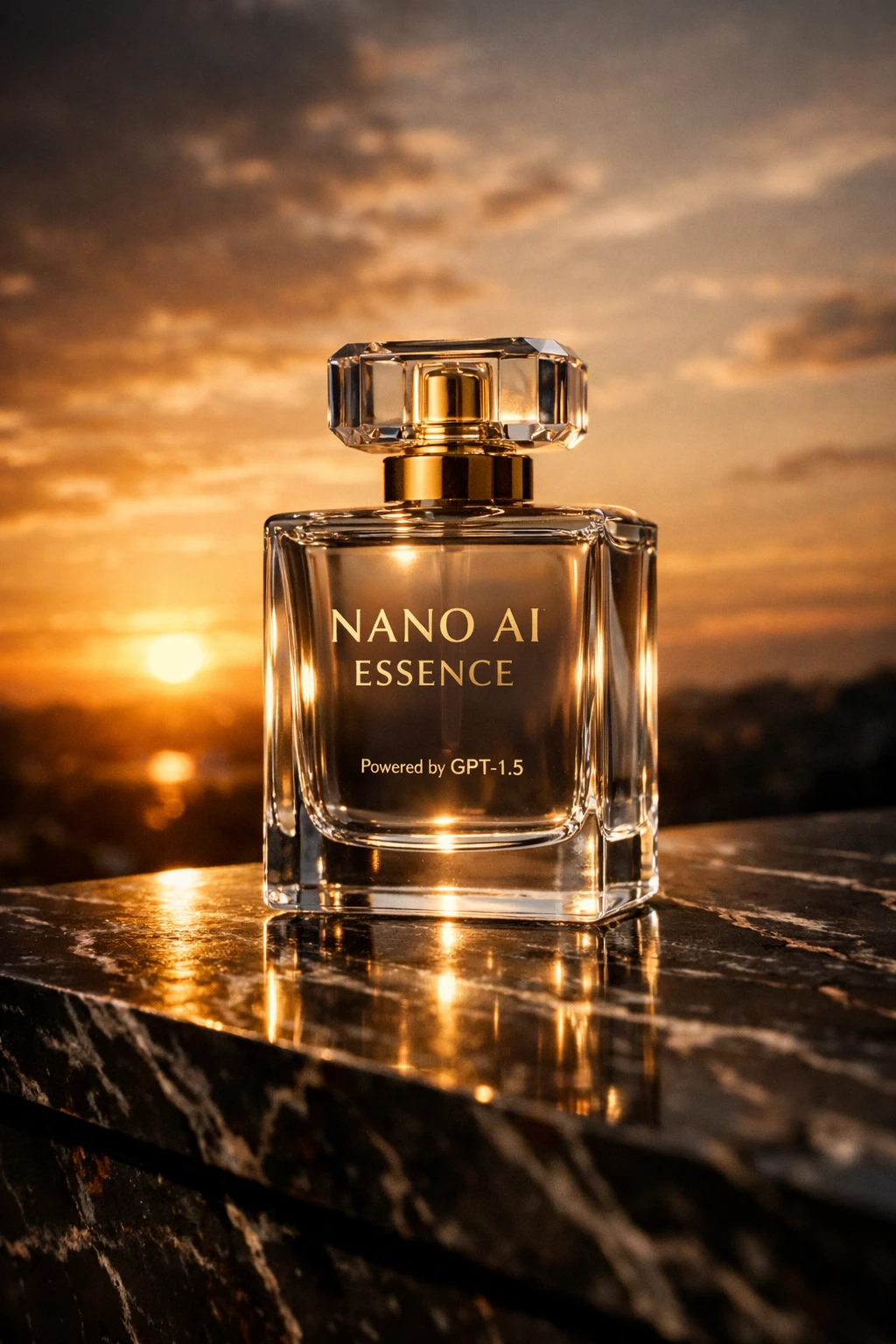 Above: A product shot generated with GPT-Image 1.5. Notice the perfect spelling of "NANO ESSENCE" on the label.
Best For:
- Logos and Brand Identity
- Marketing Posters
- Book Covers
- Merchandise Design
2. Native Transparent Backgrounds (No More Masking)
This is the feature designers have been begging for. In the past, getting a transparent asset meant generating a image with a solid background, downloading it, and then using a separate background removal tool (which often ate into the details).
The GPT-Image 1.5 Upgrade: The model now supports native alpha channel output. When you toggle "Transparent Background" on NanoEditor, the AI generates the subject in isolation from the start. This means semi-transparent objects like glass, smoke, or wispy hair are rendered perfectly against a transparent backdrop.
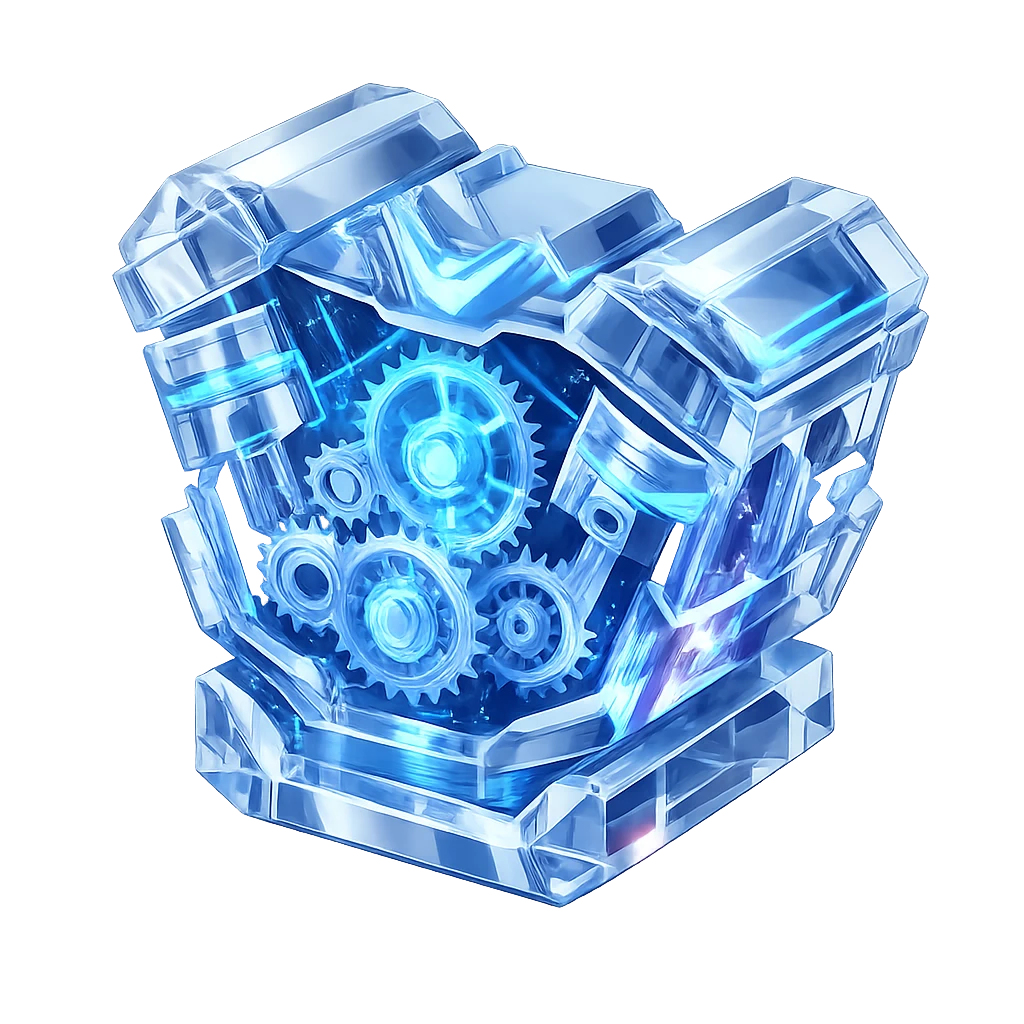 Above: A 3D asset generated directly as a PNG with a transparent background. No post-processing required.
Best For:
- UI/UX Elements and Icons
- Game Assets (Sprites)
- Product Mockups
- Stickers and T-Shirt Printing
3. 4x Faster Generation Speed
We know that waiting 15 seconds for an image kills your creative flow.
While our Nano Banana Pro model is famous for its artistic quality, GPT-Image 1.5 is built for speed. In our internal benchmarks, GPT-Image 1.5 generates high-fidelity images approximately 4x faster than previous generation models.
On NanoEditor, this means you can iterate through prompts in seconds, not minutes. It feels less like a "request" and more like a real-time conversation.
4. Unmatched Instruction Adherence
Have you ever asked an AI to put "a cat on the left and a dog on the right," only to get them blended together?
GPT-Image 1.5 understands spatial relationships better than any model we have tested. It follows complex, multi-part instructions with surgical precision. If you describe a specific camera angle, lighting setup, or object placement, it listens.
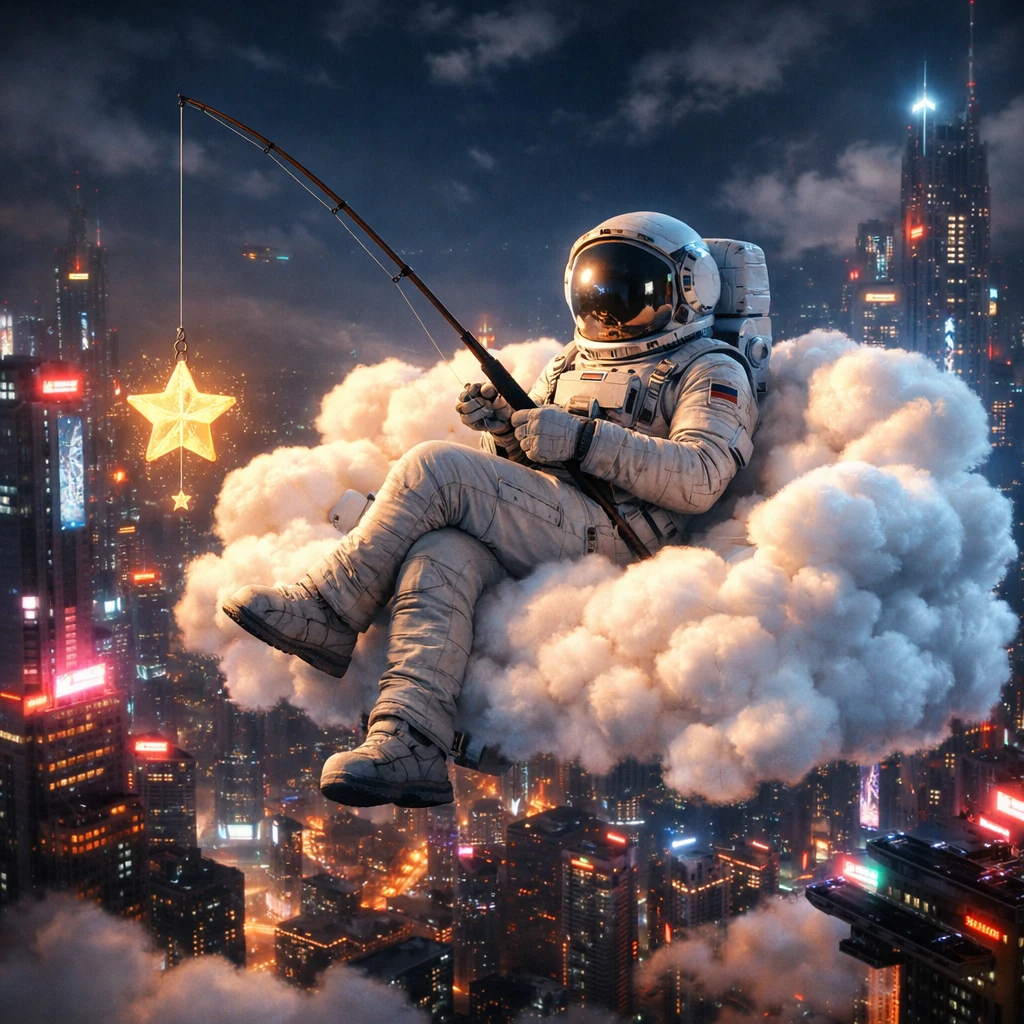 Above: A complex grid layout where every object is placed exactly where the prompt requested.
Conclusion: Try it Free on NanoEditor
GPT-Image 1.5 is no longer just a toy—it is a production tool. It bridges the gap between "AI Art" and "Professional Design Assets."
You don't need a complex subscription or a VPN to access it. We have integrated it directly into NanoEditor for you.
- Free Starter Credits: Sign up in seconds and get 10 free credits immediately to test the new model.
- Save Your History: Your generated assets are automatically saved to your private gallery.
- Enterprise Speed: Experience the fastest generation speeds on the market.
Ready to experience the future of AI design?
Recommended Reading
More Nano Banana Pro guides and workflows you may find useful.
Best AI Image Tools in 2026: Ranked & Compared
A practical 2026 ranking of the best AI image generation tools, comparing Midjourney, DALL-E 4, Stable Diffusion, Flux 2, and emerging alternatives with real-world performance benchmarks and workflow recommendations.
The Virtual Influencer Formula: Keep One Face Consistent
Stop random faces. Use Nano Banana Pro multi-image fusion plus image-to-image workflows to keep one AI character consistent across 100+ photos.
Nano Banana Pro Advanced Techniques: Infographics, Comics & Fusion
Turn long text into infographics, build multi-panel comics, fuse up to 14 images, and leverage typography, 4K output, and branded assets with Nano Banana Pro.