
AI-Powered Image Editor
Enhance & Perfect Your Images Instantly
Professional image editing made simple. Remove backgrounds, upscale images, restore old photos, and more with one-click AI tools.
Why Choose Our AI Image Editor
Professional image editing made simple with powerful AI tools
One-Click Enhancement
Intelligent AI automatically optimizes brightness, contrast, and clarity for perfect results every time.
Use Cases: Daily image beautification, social media posts, quick fixes


Powerful Editing Tools
Professional-grade tools including background removal, object eraser, image upscaling, and image restoration.
Use Cases: E-commerce product photos, ID photos, old image restoration


Fast & Efficient
No complex operations needed. Achieve professional-level editing in just seconds with simple clicks.
Use Cases: Batch processing, quick output, time-sensitive projects


Complete Editing Toolkit
Six powerful AI tools to handle all your image editing needs
Background Remover
Precise cutout, one-click background removal
Image Upscaler
AI upscaling, maintain sharp details
image Enhancer
Smart optimization, improve overall quality
Object Remover
Remove unwanted objects, cleaner images
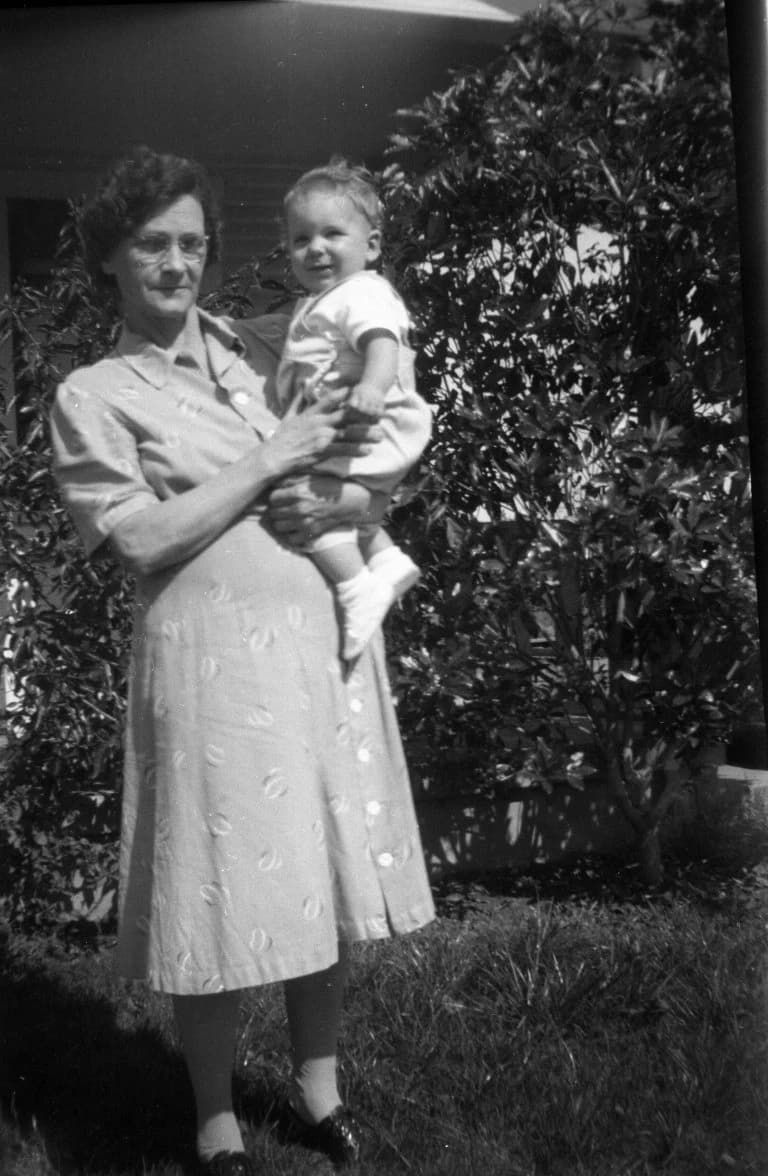
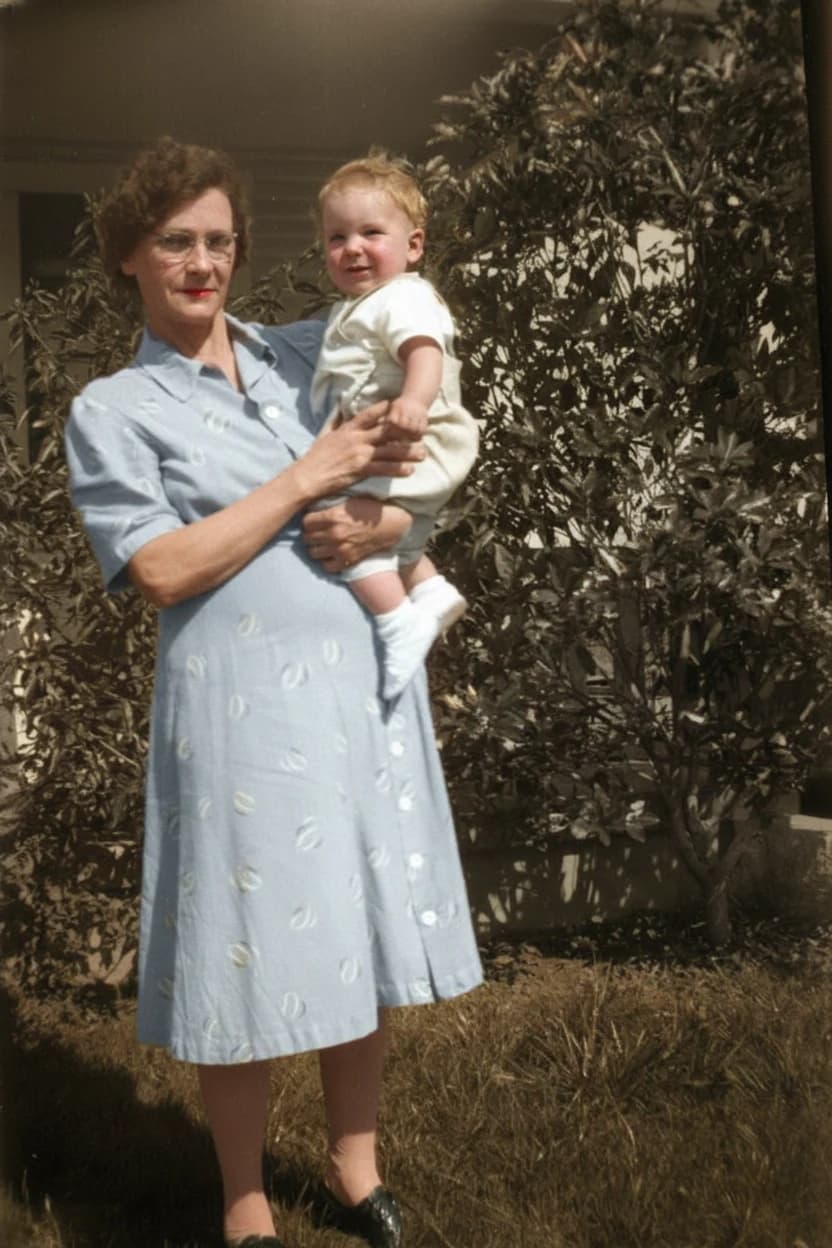
image Colorization
Colorize black and white photos
Old image Restoration
Restore old photos, bring back memories
Perfect For Every Need
Discover how AI Image Editor can help you
E-commerce Sellers
Optimize product images for better sales
- Remove backgrounds to create clean, professional product shots
- Upscale images to meet marketplace quality requirements
- Enhance image quality to highlight product details
- Batch process multiple products for consistent branding
Frequently Asked Questions
Everything you need to know about AI Image Editor
Ready to Transform Your Photos?
Start editing with professional AI tools today. No experience needed.
Start Editing NowAdvertisement