
NanoEditor Now Supports Google's Nano Banana Pro Model
What the Nano Banana Pro integration means for detail quality, style accuracy, and image-to-image results—plus tips, prompts, and a limited-time offer.
Introduction
NanoEditor now ships with Google’s latest high-precision model, Nano Banana Pro. You’ll notice sharper detail, stronger style fidelity, and dramatically better image-to-image results—whether you’re creating portraits, product shots, or stylized art. For model specs and pricing, see the full Nano Banana Pro overview.
Creators, marketers, designers, and casual users can all get higher-quality visuals with fewer retries.
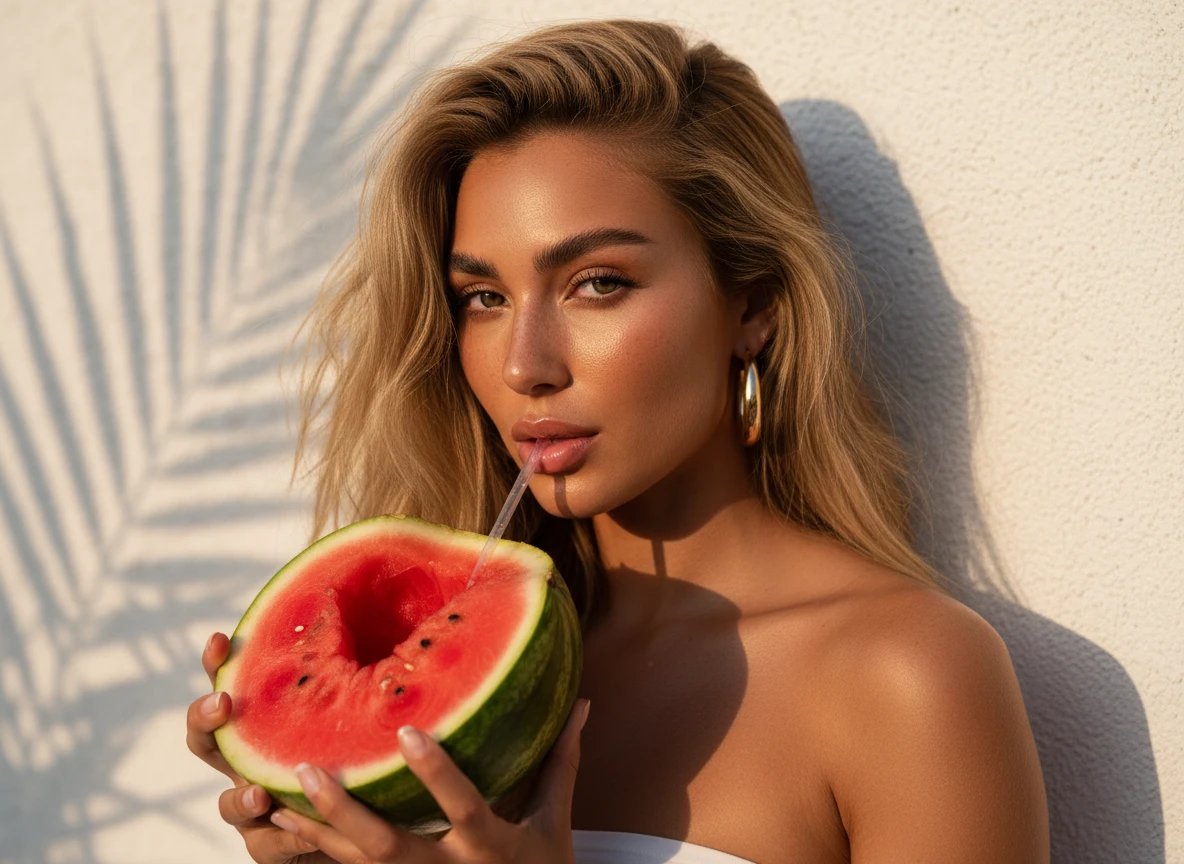
Why Nano Banana Pro
Google’s Nano Banana Pro delivers noticeable improvements compared to earlier models:
- Sharper, more realistic details
- More accurate human structure
- Better style interpretation across genres
- Much stronger image-to-image transformation quality
- Improved understanding of Chinese prompts
- Fast generation speed with consistently high quality
This makes it one of the most powerful and reliable models now available in NanoEditor.
What It Excels At
Photorealistic portraits
- Realistic lighting
- Accurate anatomy
- Natural hair and skin texture
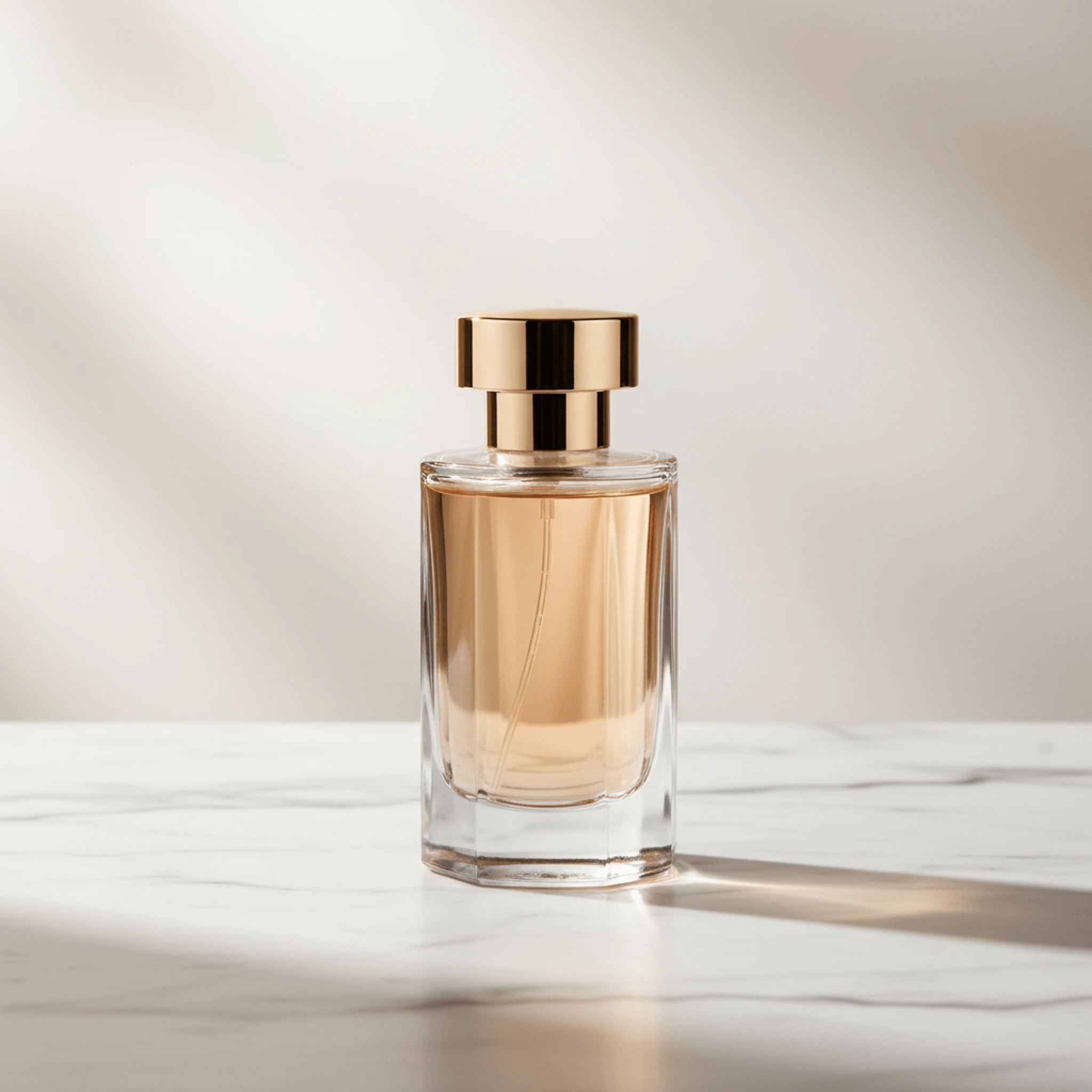
Product mockups & commercial visuals
- Sharper textures
- Better material rendering
- Ideal for e-commerce and advertising
Art & stylized creation
- Anime, watercolor, cyberpunk, digital painting
- Strong style consistency
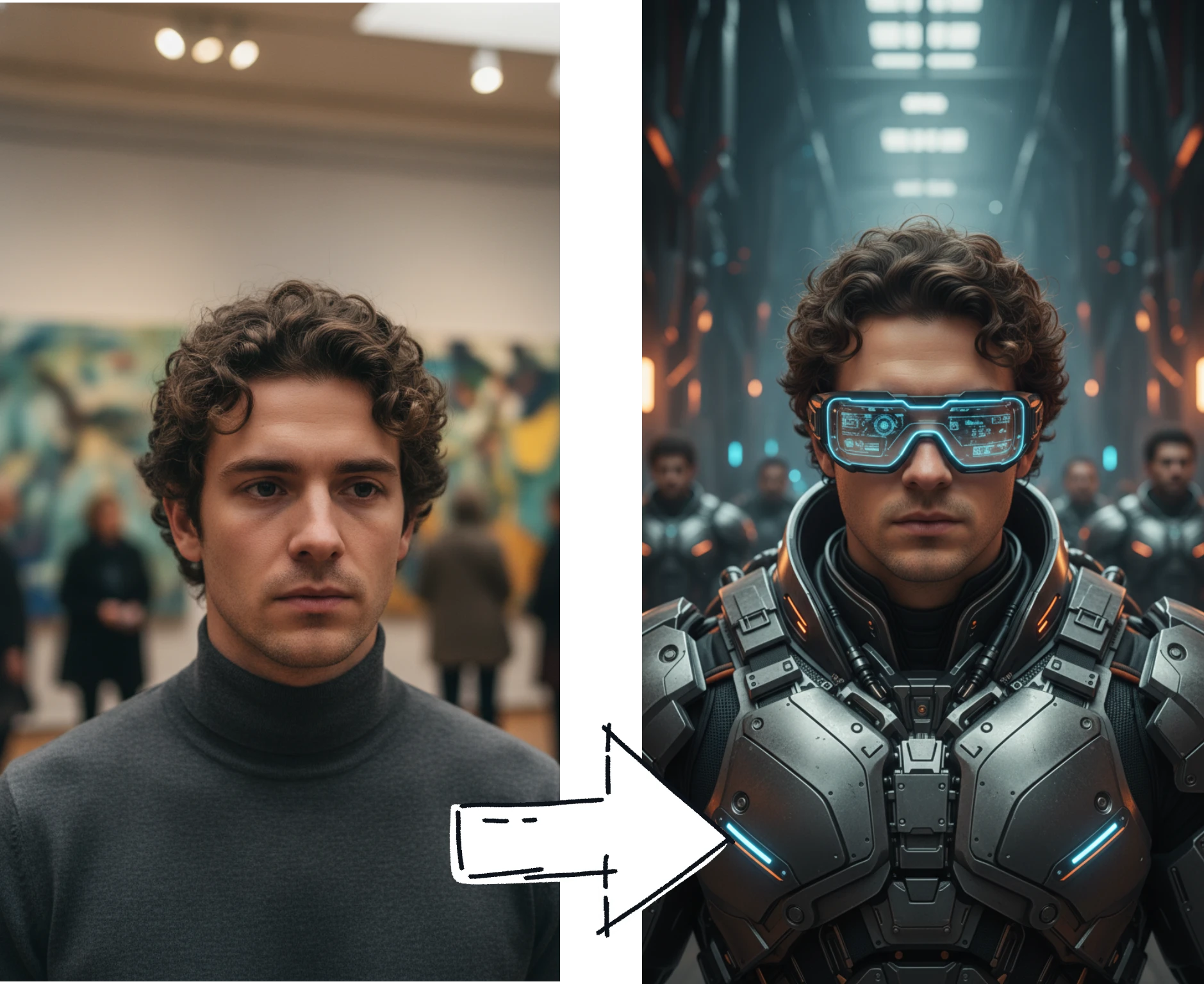
Image-to-image transformations
- Outfit swap
- Makeup try-on
- Background replacement
- Image enhancement and restoration
How to Use It
- Open the Nano Banana Pro page.
- Type a prompt or upload an image.
- Choose image count and aspect ratio.
- Click Generate.
- Download, refine, or share your results.
Prompt Examples
Photorealistic portrait
“Ultra-realistic female portrait in soft natural light, detailed skin texture, 85mm lens.”
Anime illustration
“Anime-style girl illustration with soft colors, clean lines, cherry blossom background.”
Product mockup
“White-background commercial product shot with sharp textures and studio lighting.”
Pro Tips
- Add lighting and camera terms for realism.
- Use clear style keywords (anime, watercolor, cyberpunk).
- Upload a reference for consistency.
- Use clean source photos for outfit swap and makeup try-on.
Limited-Time Offer
- 🔥 50% off: only 10 credits per generation, for a limited time.
- Available across all supported tools.
Conclusion
NanoEditor will continue integrating more advanced models and building scenario-driven workflows. Try Nano Banana Pro today and bring your ideas to life with higher quality than ever—and explore related workflows like image-to-image editing for outfit swaps and makeup.
Recommended Reading
More Nano Banana Pro guides and workflows you may find useful.
Midjourney Parameters Handbook: 2026 Syntax Update
A practical 2026 handbook for Midjourney parameters, with new syntax additions, parameter combinations, workflow tips, and examples for creators and teams.
From Prompt to Product: How to Generate Best-Selling AI Stickers and T-Shirt Designs
POD workflow for Nano Banana Pro: die-cut sticker prompts, trending styles, 4K output for tees, and clear text rendering.
How to Keep Cartoon Character Colors Consistent in AI Image Generation
A practical guide to keeping cartoon character colors stable in AI image generation with small palettes, HSB language, prompt references, and visual comparison habits.