
Fantasy Cartographer
A field-ready explorer with layered travel gear, a map case, and a clear visual identity for a campaign journal or party roster.
Tabletop RPG character art
Create a non-D&D-specific tabletop RPG portrait from the details that should be visible in the final image: ancestry, role, equipment, appearance, mood, and setting. The guided workspace turns a compact character brief into one focused portrait without an empty prompt box.
Character Brief
Complete the ancestry, class and portrait fields, then add one defining detail you want reflected in the image.
Free portraits use Epic Fantasy. Paid plans unlock all styles.
Hero unlocks HD and 4K output.
Create one standalone high-quality tabletop RPG character portrait of an adult female Human Paladin. Identity: natural human facial features, expressive eyes, realistic skin detail. Class and gear defaults: polished plate armor, holy symbol, shield or sheathed sword, noble protective presence. Composition: upper-body portrait from head to waist, centered character, eye-level camera, not a close-up headshot, not a full-body distant shot, face clearly visible, torso, shoulders, outfit, and key gear visible, face occupies about 25-30% of the image. Lighting: soft readable portrait lighting, clear eyes, natural skin or material detail, controlled shadows, no face hidden in shadow. Background: softly blurred low-detail fantasy setting, supports the character without competing with the face or silhouette. epic fantasy digital painting, campaign-book energy, richly detailed costume and armor, heroic scale Avoid: no text, no watermark, no logo, no UI, no character sheet layout, no distorted hands, no extra fingers, no extra limbs, no cropped head, no blurry face, no low quality.
One successful guest portrait. Failed generations do not consume the trial.
Portrait Reveal
Your generated fantasy RPG portrait appears here, ready to review and download.
Your portrait will appear here
Complete the character brief and generate one focused fantasy RPG portrait.
RPG portrait examples
A useful tabletop RPG portrait gives the face, role, silhouette, and one story detail enough room to read. These examples show how a structured brief can support a player character, an original hero, or a campaign reference image.
A field-ready explorer with layered travel gear, a map case, and a clear visual identity for a campaign journal or party roster.
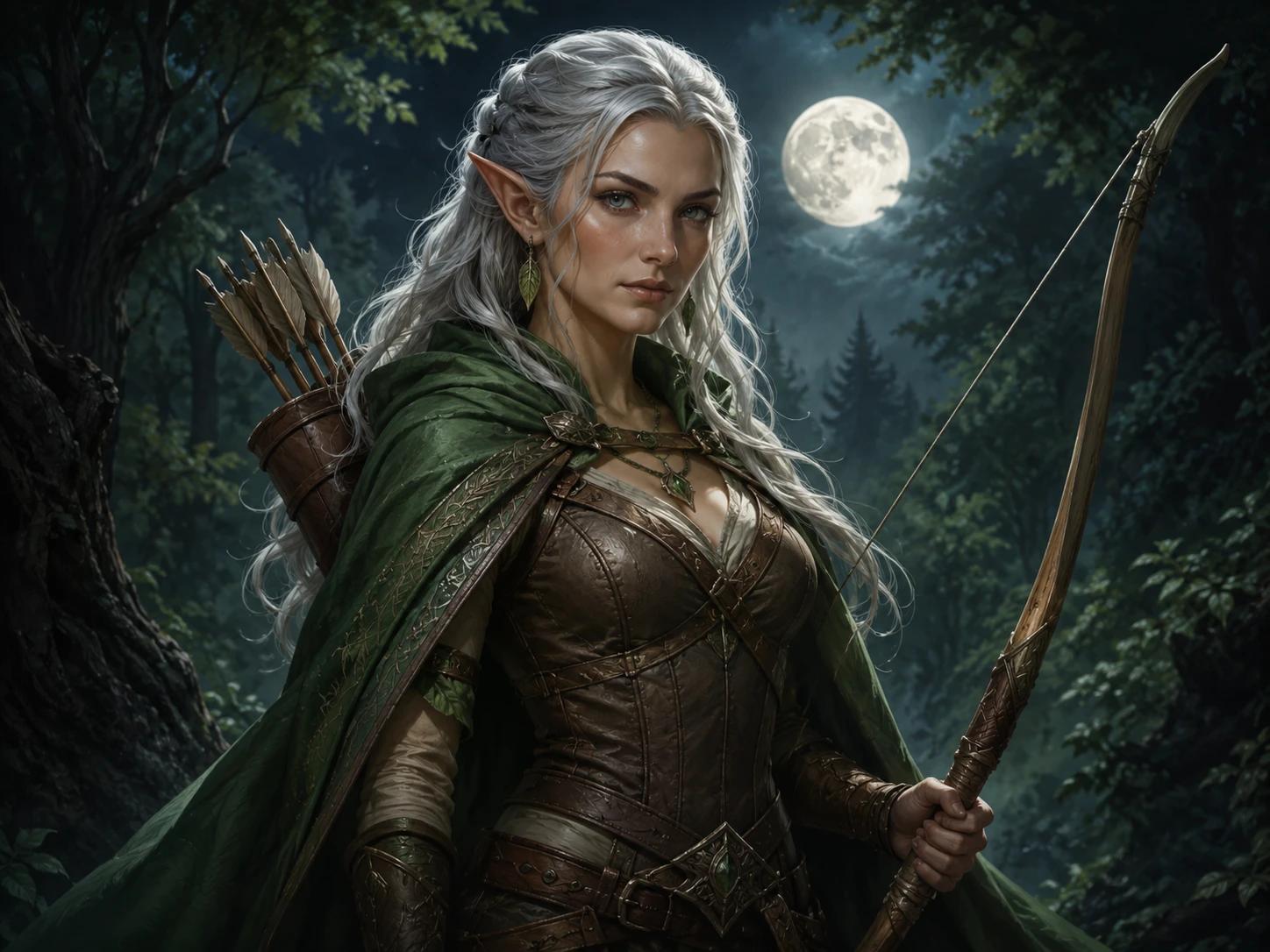
A focused upper-body portrait built from role, clothing, facial detail, and one signature prop rather than a full lore summary.
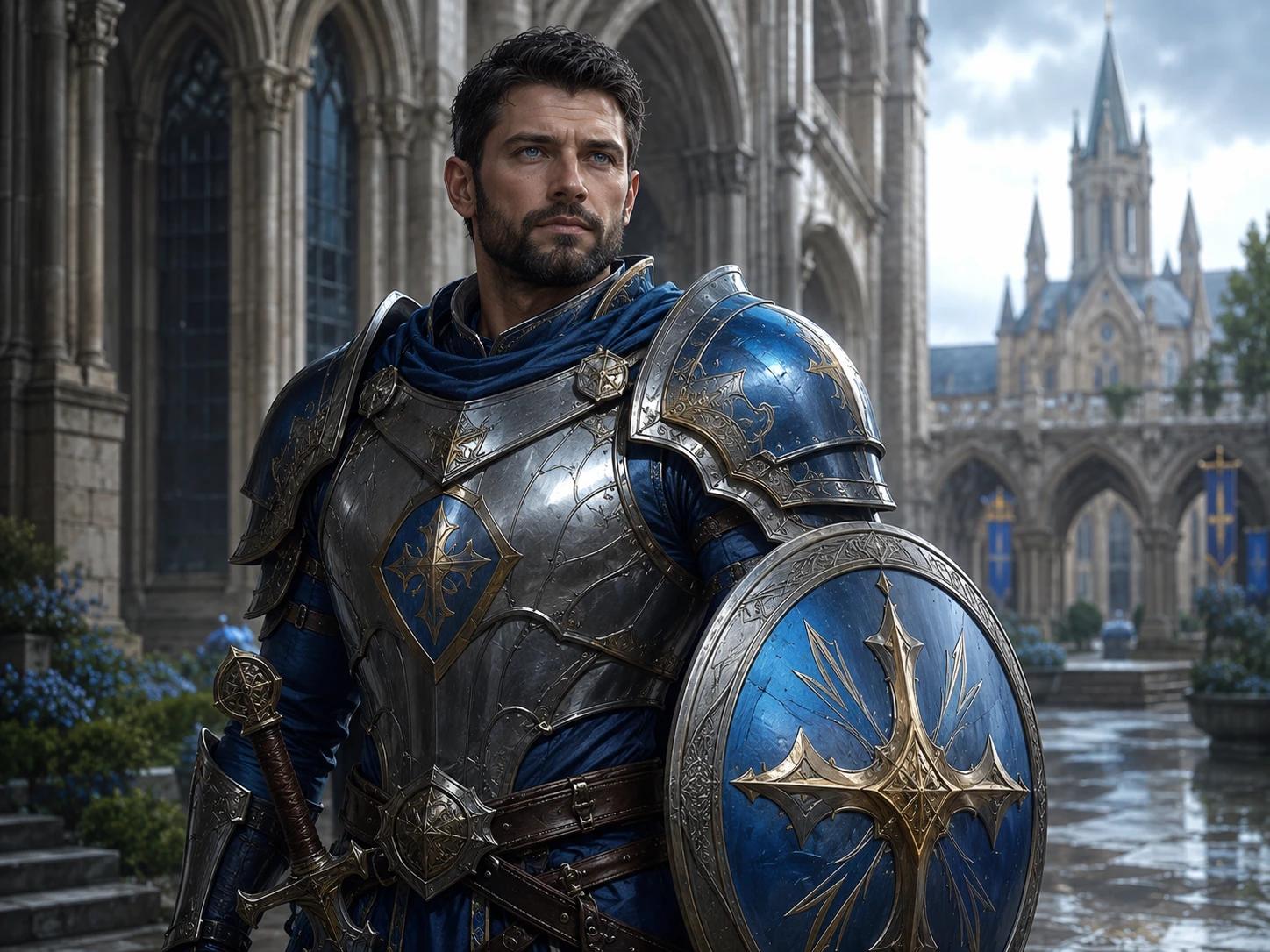
A readable character image that keeps the face, costume, and class silhouette clear at profile, wiki, or virtual tabletop size.
A repeatable portrait brief
Start with what the camera can show, then add only the details that strengthen the character. This order keeps the image readable across different tabletop systems, campaign settings, and story projects.
Choose the ancestry or physical identity, role, approximate age, and one feature that makes the character recognizable.
Use posture, clothing layers, armor shape, hairstyle, or a large prop to make the role legible at a glance.
Name one signature weapon, tool, book, instrument, symbol, or other object that belongs to this character.
Add expression, hair, scars, markings, materials, or colors that can survive a portrait crop and still matter.
Finish with mood, lighting, and a restrained background that supports the character instead of competing with the face.
Built for tabletop and story work
The generator is for single-character portrait work, not a complete character sheet or a generic image catalog. Keep the same visual brief as a character moves between campaign notes, private profiles, and story planning.
Create a visual anchor for a new tabletop hero before session zero, then reuse the portrait in a private campaign profile or party introduction.
Give a guide, rival, merchant, faction leader, or companion a recognizable face without writing a separate art brief from scratch.
Keep a character concept visible in a campaign wiki, worldbuilding notebook, novel outline, or private mood board.
FAQ
Character Guides
Use these practical guides to choose visible details, write a focused character brief, and prepare the final image for campaign use.
RPG Character Ideas
Explore RPG character portrait ideas for player heroes, memorable NPCs, villains, and faction contacts, with practical visual directions, examples, and checks.
Read guideRPG Portrait Guide
Learn how to make an RPG character portrait with clear identity, silhouette, equipment, composition, and background choices for tabletop campaigns and stories.
Read guideD&D Portrait Guide
Learn how to write a focused D&D character portrait prompt using ancestry, class, equipment, appearance, mood, composition, and a single readable story detail.
Read guideSee the focused D&D and fantasy RPG portrait product before choosing a workflow.
Use campaign-specific ancestry, class, equipment, appearance, and mood fields.
Create broader original fantasy heroes, story characters, avatars, and NPC concepts.