Key takeaways
Use a rules builder for statistics and legal character choices.
Use a portrait generator when the character already exists and needs visual identity.
Use a miniature designer for a 3D figure and a token tool for map-ready framing.
NanoEditor does not replace D&D Beyond, a VTT sheet, or a 3D miniature builder.
Four different jobs often hide behind “D&D character generator”
The fastest way to choose a tool is to name the output you need. If you need ability scores and rules choices, you need a character builder. If you need a face and costume, you need a portrait or art generator. If you need a printable or purchasable figure, you need a miniature designer. If you need a piece for the map, you need a token workflow.
These categories can connect to each other, but they are not substitutes. A beautiful portrait does not tell you whether a spell is prepared correctly. A complete rules sheet does not automatically give you custom character art.
| Tool category | Main output | Use it when |
|---|---|---|
| Rules character builder | Playable character sheet data | You need stats, levels, spells, and rules choices |
| Character art generator | Portrait or illustration | You already know the character and need visual identity |
| Miniature designer | 3D figure or render | You need a physical or 3D representation |
| Token maker | Map-ready token | You need a compact piece for VTT or tactical play |
Where NanoEditor fits
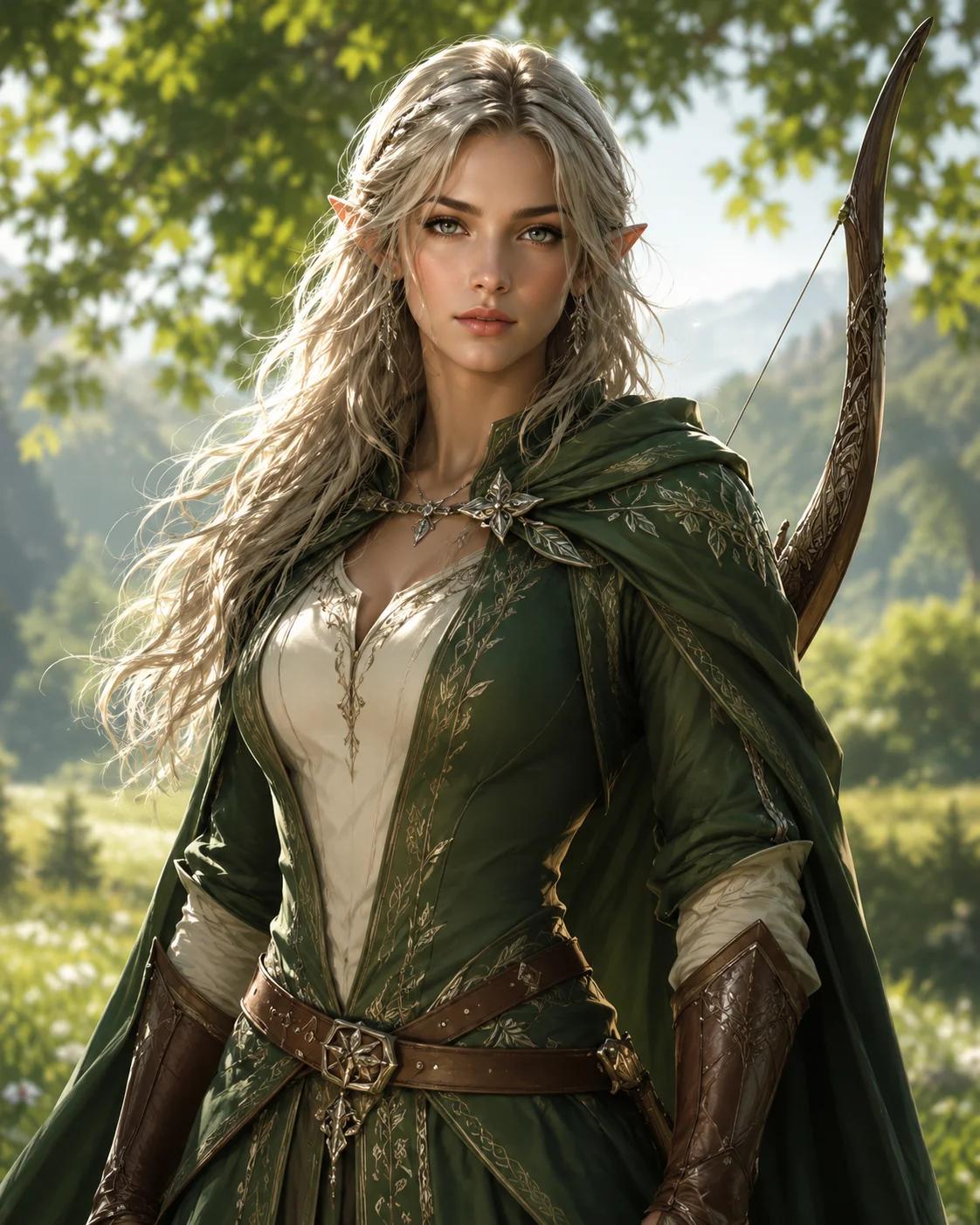
NanoEditor is a D&D and fantasy RPG portrait workflow. You choose ancestry, class, presentation, art style, equipment, appearance, mood, and optional story details. The system turns those visible choices into one square portrait image.
It is deliberately narrower than a general character creator. It does not calculate ability scores, choose feats, validate a build, generate a stat block, or manage a campaign. That boundary makes it easier to decide when the tool is relevant: use it after the character concept is known and the missing piece is the artwork.
When should you use a character builder first?
Use a rules-focused character builder first when you are still deciding what the character can legally do in the game. The class, level, spells, equipment, and other mechanical choices belong in the rules workflow. Once those choices are stable, you can translate the visible parts into art.
For example, a sheet may tell you that the character is a dwarf cleric with medium armor and a warhammer. The portrait brief should not copy every numerical field. It should extract the visible identity: dwarf facial traits, traveling armor, holy role, hammer, expression, and perhaps one campaign-specific detail.
When can you start with the art instead?
Concept-first players sometimes know the visual fantasy before they know the final rules build. That is fine as long as you treat the portrait as inspiration rather than rules validation. You can create a visual archetype such as a scarred half-elf ranger or austere tiefling warlock, then build the mechanics separately.
If exact rules legality matters to your group, confirm the final class, ancestry, equipment, and campaign options in your normal character-building system. NanoEditor will not warn you when a visual idea conflicts with a table rule.
A practical handoff from rules to art
For an established campaign character, the cleanest sequence is rules first, portrait second, and profile or token formatting last. Confirm the character in the rules system your table uses. Then copy only the visual facts into the portrait workflow: ancestry, class, visible armor or clothing, one signature item, age, expression, and one campaign-specific cue.
After the portrait looks right, download that image as the reusable visual master. Put it beside the digital sheet, reuse it on a campaign page, and make any smaller avatar or token crop from the same source. This handoff keeps the rules record authoritative while giving the character one visual identity across several campaign spaces.
A one-question decision rule
Ask: “What file or result do I need at the end?” If the answer is a playable sheet, choose a rules builder. If the answer is a face for the sheet or campaign, choose a portrait generator. If it is a physical figure, choose a miniature tool. If it is a map piece, choose a token workflow.
If you need more than one of those outputs, use the tools in sequence rather than searching for one system that pretends to do every job equally well.
Put the guide into practice
Use NanoEditor for the visual portrait
Create character art after you know the ancestry, class, gear, and visible identity you want to show.
Start creating