Key takeaways
Portrait = the character artwork; avatar = profile use; token = map use.
Start from a readable face and class silhouette before shrinking the image.
NanoEditor creates square portrait art, not a rules sheet or automatic token border.
The same portrait can support a character sheet, campaign page, VTT profile, and later token crop.
The short decision: choose by where the image will appear
Use a character portrait when the image needs to communicate who the character is. This is the best starting asset for a sheet, campaign wiki, session recap, or player introduction because the face, clothing, and signature equipment can remain visible.
Use an avatar when that portrait is being shown in a smaller profile context such as a VTT player list or private campaign chat. Use a token when the image must function as a piece on the map. A token may need a tighter crop, a circular frame, or a transparent background depending on the tabletop tool.
| Image type | Best for | What matters most |
|---|---|---|
| Character portrait | Sheet, campaign page, character introduction | Readable face, role, and identity |
| Avatar / profile image | VTT profile, chat, campaign dashboard | Clarity at small square sizes |
| Map token | Tactical or exploration map | Tight crop, border/frame, map readability |
Why the portrait should usually come first
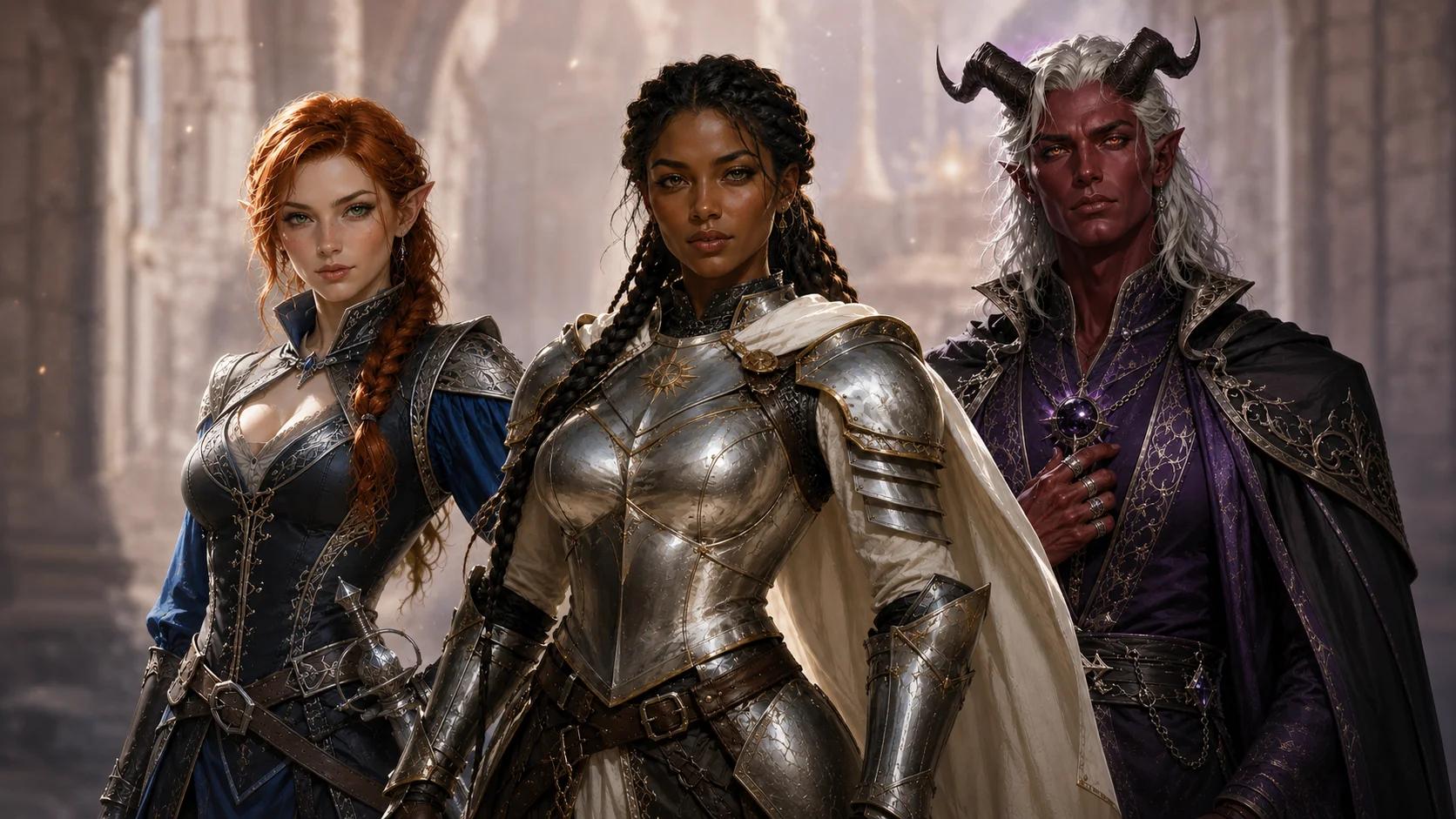
A portrait contains more identity information than a tiny map token. You can see expression, ancestry cues, class clothing, and one meaningful object. If those signals are clear in the larger portrait, you have a strong source image for smaller uses.
NanoEditor is designed around that first step. The guided form asks for character facts that can become visible: ancestry, class, equipment, appearance, mood, and art style. It produces one square portrait per request. It does not calculate game statistics or add a circular VTT border automatically.
When does a portrait work as an avatar?
A portrait works as an avatar when the face and one or two identity signals remain clear after the image becomes small. Hair shape, horns, a hood, a holy symbol, or a signature weapon can help. Tiny jewelry, complex backgrounds, and full-body poses often disappear at profile size.
Before uploading the file to a campaign profile, view it as a small square. If you can still recognize the face and general class role, the image is doing its job. If not, a closer portrait with fewer competing details is usually more useful than adding more visual information.
Avatar test
Shrink the portrait until it is roughly the size of a chat profile image. If the face, ancestry cue, and one class cue remain readable, the image is ready for profile use.
Where a portrait generator stops and a token tool begins
A map token has layout requirements that a portrait generator does not automatically solve. Your VTT may use a circular or square crop, a border, transparency, or specific map dimensions. Those are token-production tasks rather than character-design tasks.
NanoEditor therefore stops at the portrait. Download the square result, keep the original as your character artwork, and use the crop or token workflow supported by your tabletop platform when you need a map piece. This separation is useful because the portrait remains reusable outside the map.
A simple portrait-to-avatar-to-token workflow
First create one portrait with a visible face, class silhouette, and signature detail. Save the full square image. Use that same file as the character-sheet or campaign-page portrait. For a profile avatar, keep the crop close enough that the expression remains clear. For a token, make a separate map-specific crop rather than permanently cutting down the original.
If your only goal is a circular token with an automatic border, start with a dedicated token maker instead. If your goal is to establish what the character looks like and then reuse that identity across campaign spaces, begin with the portrait.
Put the guide into practice
Create the character portrait first
Build one square fantasy portrait from ancestry, class, equipment, appearance, and mood.
Start creating