Key takeaways
Midjourney rewards art-direction experiments with text and image references.
NanoEditor uses a structured D&D form for players who do not want to write lengthy prompts.
Midjourney’s website and Discord are subscription-based, with no free trial currently advertised there.
Character consistency and aesthetic quality need real test images; neither can be assumed from marketing examples.
Quick answer: different tools for different D&D jobs
Imagine two requests. The first is a player asking for a half-elf ranger portrait to use before tonight’s session. The second is an illustrator experimenting with a grimdark city campaign, multiple framing options and recurring visual references. The first request benefits from a guided form and a direct output. The second may benefit from prompts and reference tooling even if the setup is longer.
The following comparison reflects publicly described features checked October 9, 2026. It is not an identical-prompt benchmark or a claim that one model is intrinsically better at drawing anatomy, armor or faces.
| Question | NanoEditor | Midjourney |
|---|---|---|
| How do I start? | Select ancestry, class, equipment, appearance and mood | Compose a prompt and optionally attach references |
| Best use | Focused tabletop avatar or character portrait | Experimental art direction and wide creative output |
| Who controls composition? | Guided form and portrait-oriented workflow | Prompt details, aspect ratio, references and creative settings |
| What is the free entry? | One guest portrait plus two signup bonus portraits | No current trial on website or Discord |
| Can it build sheets/maps? | No rules-based sheets or battlemaps | Not a dedicated D&D rules or campaign manager |
Midjourney: artistic control if you enjoy prompting
Midjourney’s prompt guidance asks users to specify subject, medium, environment, color, light, mood and composition. For D&D art, this can help describe a cinematic paladin in rainy ruins or a wizard surrounded by glowing glyphs. Image Prompts and Style References provide additional ways to influence a result from existing visual material. That range is compelling for illustrators and game masters who enjoy creating a consistent visual direction.
It is not frictionless for a first-time tabletop player. To keep one original character recognizable, you need to define the details that matter, inspect results and sometimes revise the prompt or reference. References influence a generated image; they are not automatically an exact duplication of a face. Midjourney’s own documentation explains that distinction explicitly.
The available image-reference workflows and their limitations appear in Midjourney’s official image-reference guide.
NanoEditor: a shorter path from character idea to image
NanoEditor replaces some prompt-writing decisions with structured D&D fields. A player chooses an ancestry, a class, a presentation and an art style, then adds optional equipment, appearance and mood details. The system creates an image-generation brief for one portrait. The benefit is repeatable input, not an assertion that its underlying model is better. You can revisit the same character concept without memorizing a long prompt recipe.
Consider a dwarf cleric: describe a braided beard, repaired traveling vestments, an old hammer charm and a steady expression. Those details say something visible about the character. You do not need to write a page of campaign backstory, and the generated image should prioritize the face. NanoEditor is not designed for multi-character action scenes, free-form landscapes or advanced canvas editing; if those are your main jobs, Midjourney is a more natural candidate.

Free tries, subscriptions and the real decision
NanoEditor currently offers one successful guest portrait before sign-in and 20 bonus credits after new Google registration. At 10 credits per image, that gives two post-registration bonus portraits. Paid recurring plans are shown on the site’s pricing page. For an occasional new player who needs only one image, the free path can be sufficient. This is a capped allowance, not a promise of unlimited free art.
Midjourney’s current official documentation lists subscription plans, starting with its Basic tier, and states that the website and Discord do not offer a free trial. Midjourney’s separate niji journey mobile app may have a limited trial. If you plan to produce many different pieces of art, a subscription’s tools and generation allowance may be worth considering. Compare actual monthly use, not only the entry price.
Plan tiers and usage limitations are listed in Midjourney’s official plan comparison.
Which one makes a better VTT portrait?
A VTT player token or profile image often appears much smaller than the artwork you reviewed while generating. If the face is tiny, the armor consumes the whole frame, or the background is brighter than the character, a visually dramatic illustration can still be inconvenient at the table. Ask for face-first framing and check the image after a square crop.
In Midjourney you can specify that composition in your prompt and use an image reference when appropriate. In NanoEditor you can choose character features and use the VTT-focused generator page. Either way, the practical test is the same: can your fellow players tell who the character is in a small portrait? Crop usability is an evaluation criterion, not proof that one service has superior image quality.
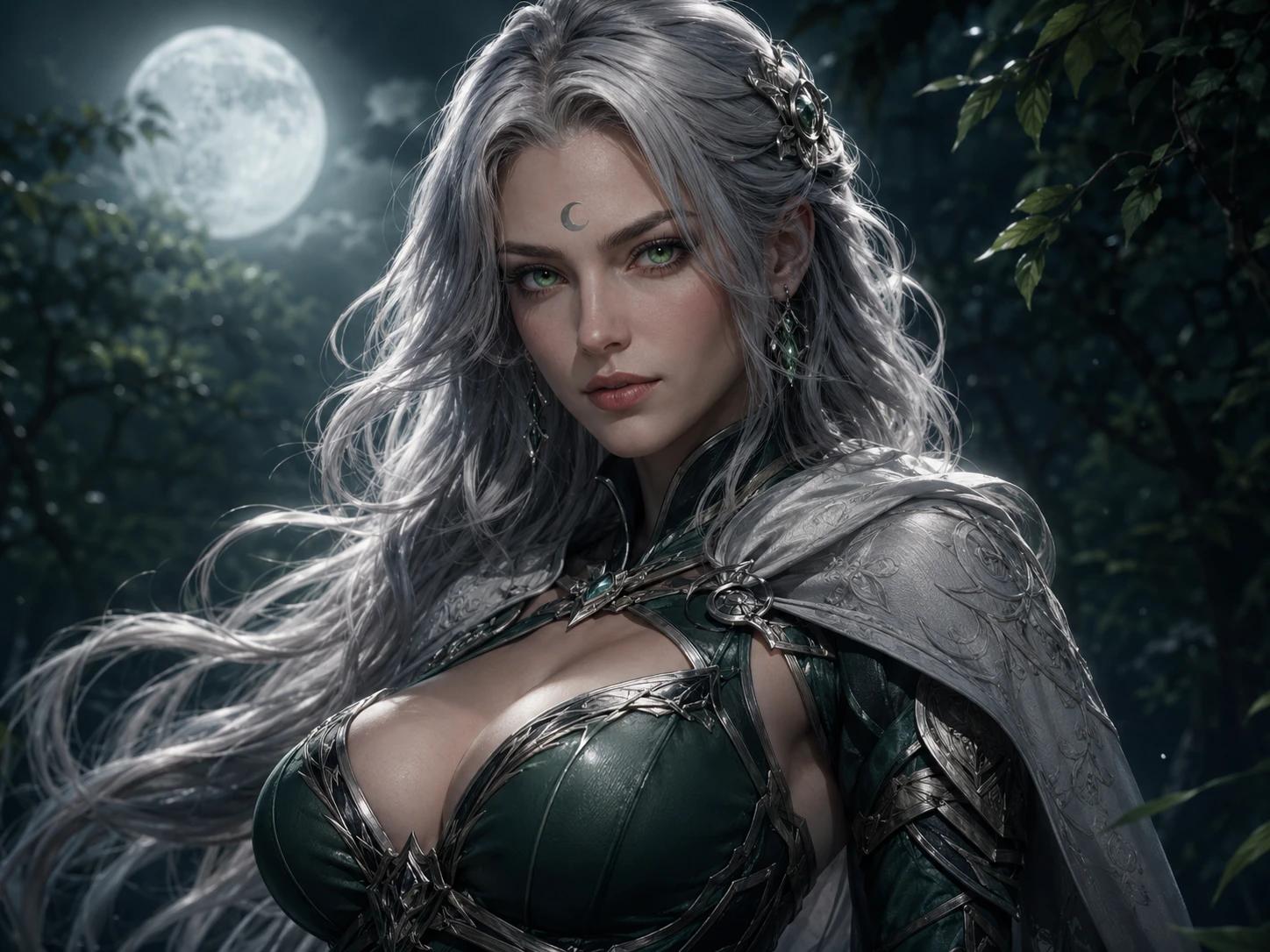
- Keep eyes, mouth and ancestry cues visible in a small crop.
- Limit the portrait to one signature weapon, focus or accessory.
- Preview the image as a square avatar before accepting it.
- Preserve original files and check the service’s image-use terms.
Final verdict: use Midjourney for exploration, NanoEditor for a guided portrait
If you want to experiment with elaborate prompt control and creative references, Midjourney is the more flexible artistic workspace. If you have already decided who your tabletop character is and simply need the portrait, NanoEditor removes some prompt work. The decision should be based on how much control you want to manage and whether you need only character art or a wider range of illustrations.
We make NanoEditor and identify our product openly. We have not run identical-seed or multi-image benchmark tests against Midjourney. For other tools that offer a genuine free starting point, read our free generator guide. For step-by-step portrait creation without a written prompt, use the structured workflow guide.
Put the guide into practice
Try a guided D&D portrait with NanoEditor
Enter character attributes, choose visual direction and generate one focused image per attempt.
Start creating