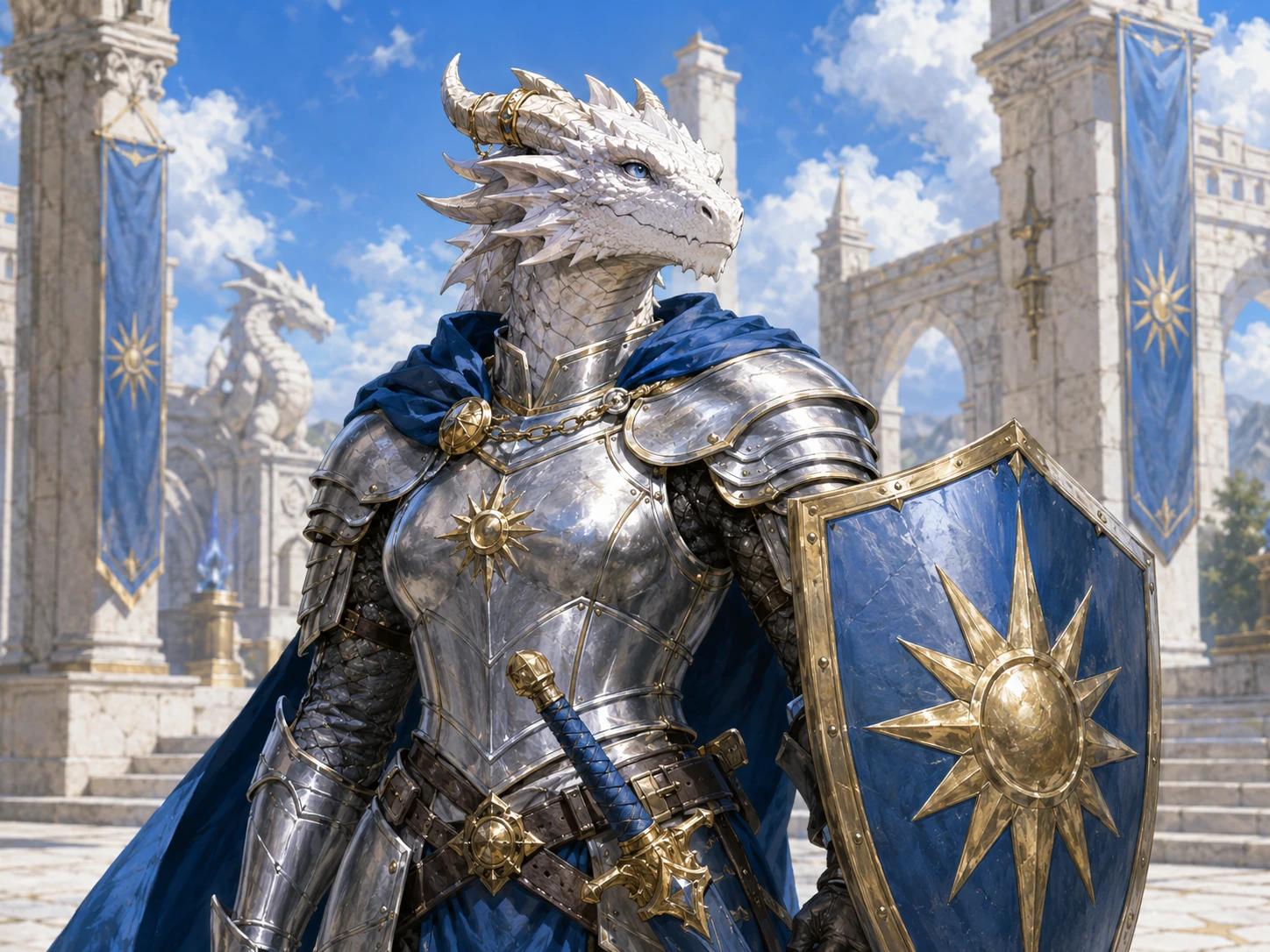
Create a Player Character Portrait
Turn ancestry, class, equipment and visible traits into a recognizable hero for a character sheet, party introduction or session-zero reveal.
Create a player character portrait →AI D&D Portrait Generator
NanoEditor turns ancestry, class, equipment, appearance and story details into a focused fantasy RPG portrait. Build player heroes, important NPCs and campaign villains without starting from a blank image prompt.
Fill in the character brief before signing in. Generate once as a guest, then continue with Google to save and download more portraits.
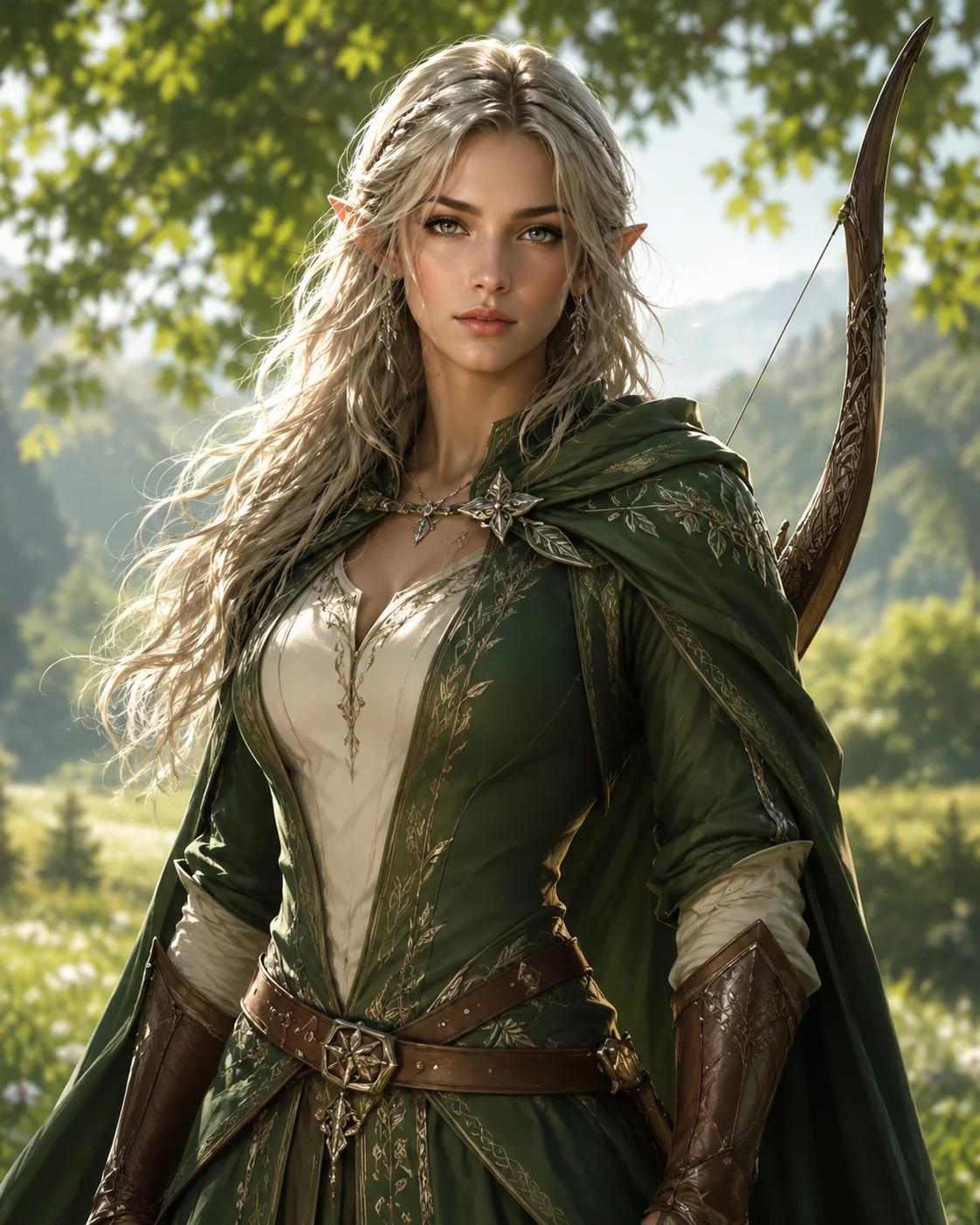
Campaign Portrait
Half-Elf Ranger
Character Brief
Ancestry
Half-Elf
Class
Ranger
Signature Gear
Silver longbow
Campaign Mood
Moonlit forest
Structured inputs keep the portrait centered on one readable character instead of an overcrowded fantasy scene.
D&D Campaign Uses
A useful D&D portrait does more than decorate a character sheet. It helps players recognize a role, remember an NPC and understand the mood of a campaign before the first line of dialogue.
Turn ancestry, class, equipment and visible traits into a recognizable hero for a character sheet, party introduction or session-zero reveal.
Create a player character portrait →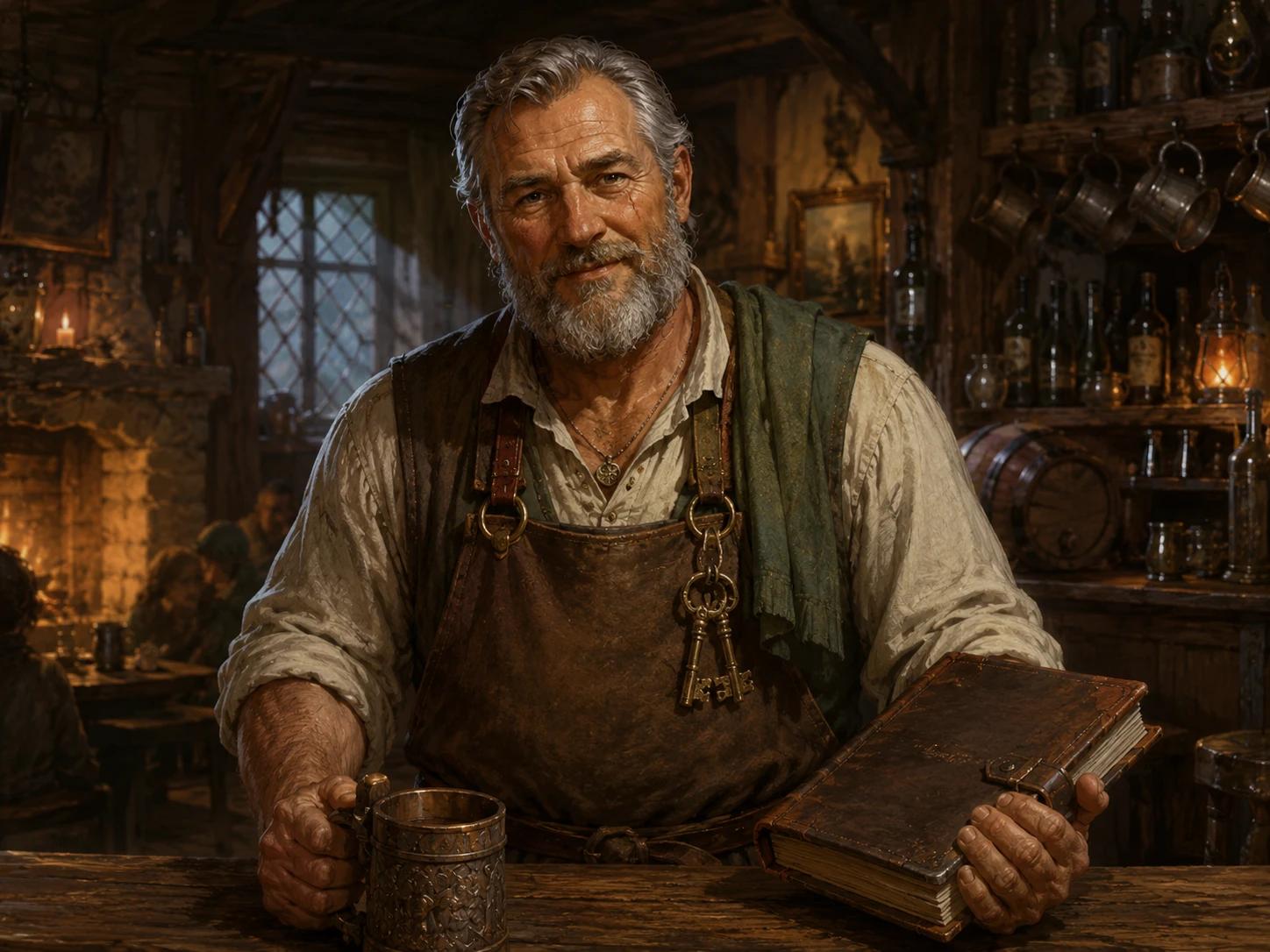
Build a clear portrait for a recurring ally, patron, merchant or quest giver before the character becomes central to the campaign.
Create an NPC portrait →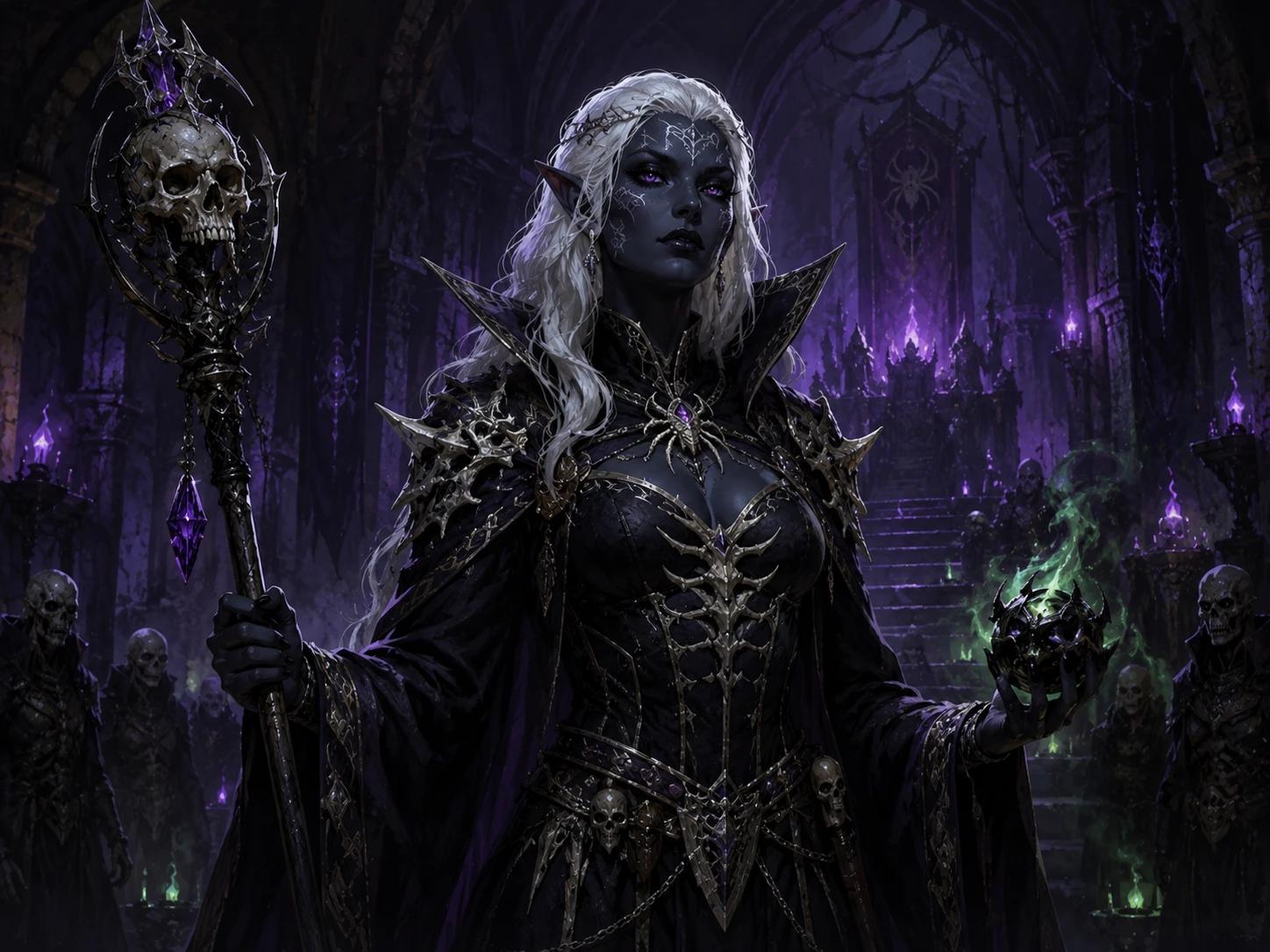
Use faction colors, signature weapons, scars and expression to make the campaign antagonist readable the moment the party meets them.
Create a villain portrait →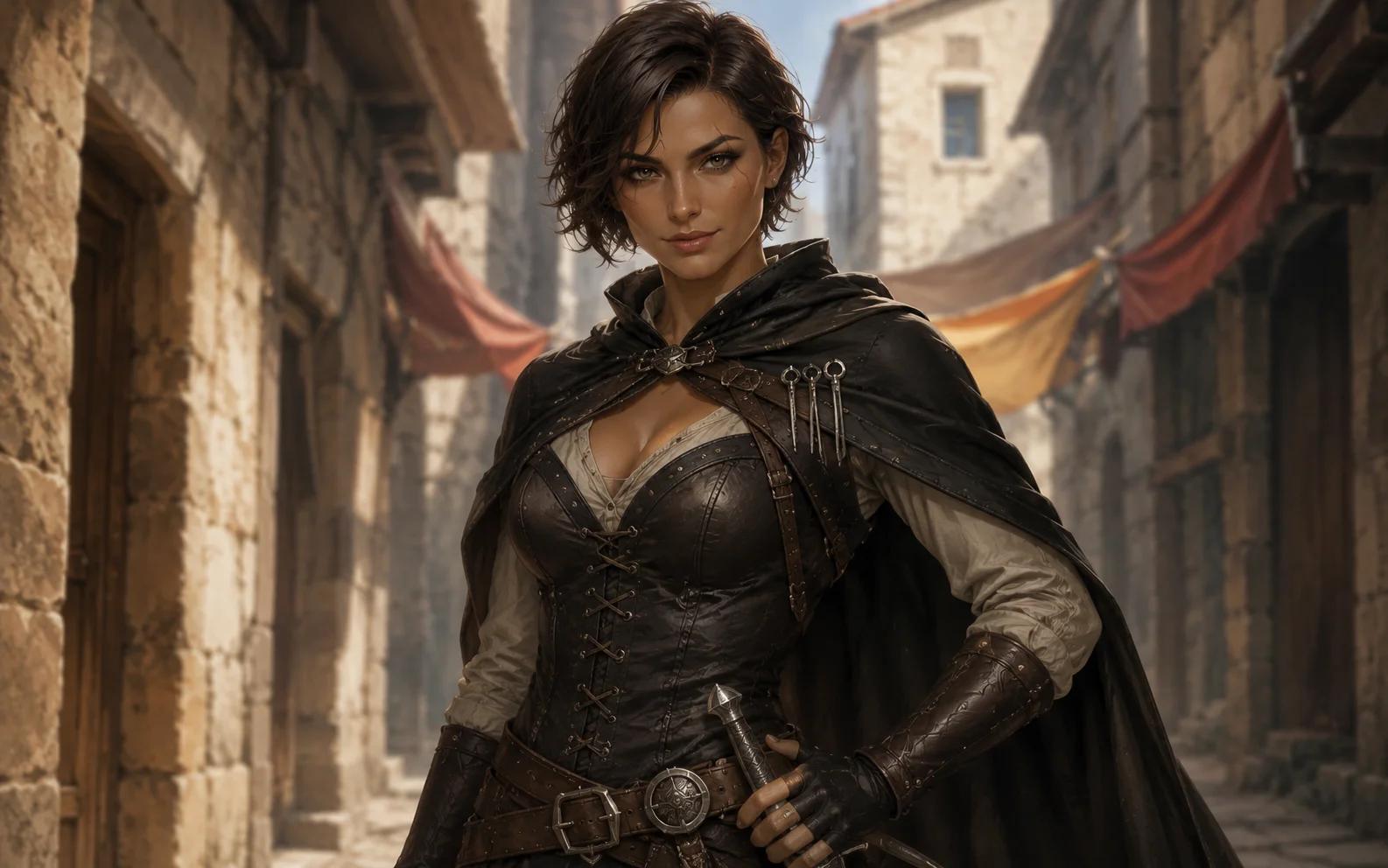
Generate a focused head-and-shoulders portrait that remains recognizable in a VTT profile, token crop or campaign chat avatar.
Create a VTT character portrait →
Give fighters, clerics, warlocks and rogues distinct silhouettes and equipment so the full party is easy to identify in campaign notes.
Create a party member portrait →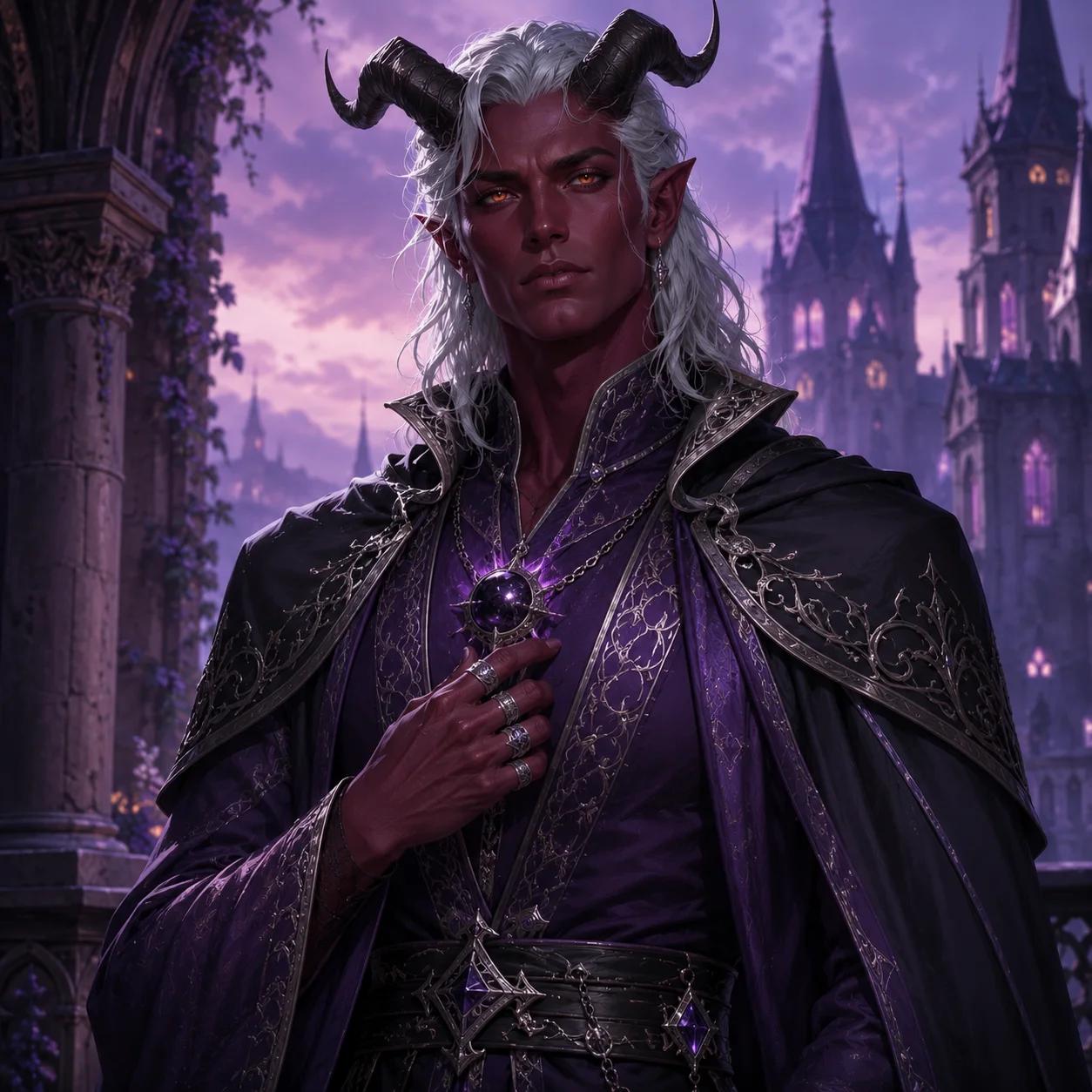
Add a finished fantasy portrait to a character profile, lore page or session recap without commissioning a separate image for every entry.
Create campaign character art →D&D Portrait Examples
Strong fantasy RPG character art should communicate ancestry, class, equipment and personality before a viewer reads the character sheet. These examples show the visual signals the guided workflow is designed to preserve.
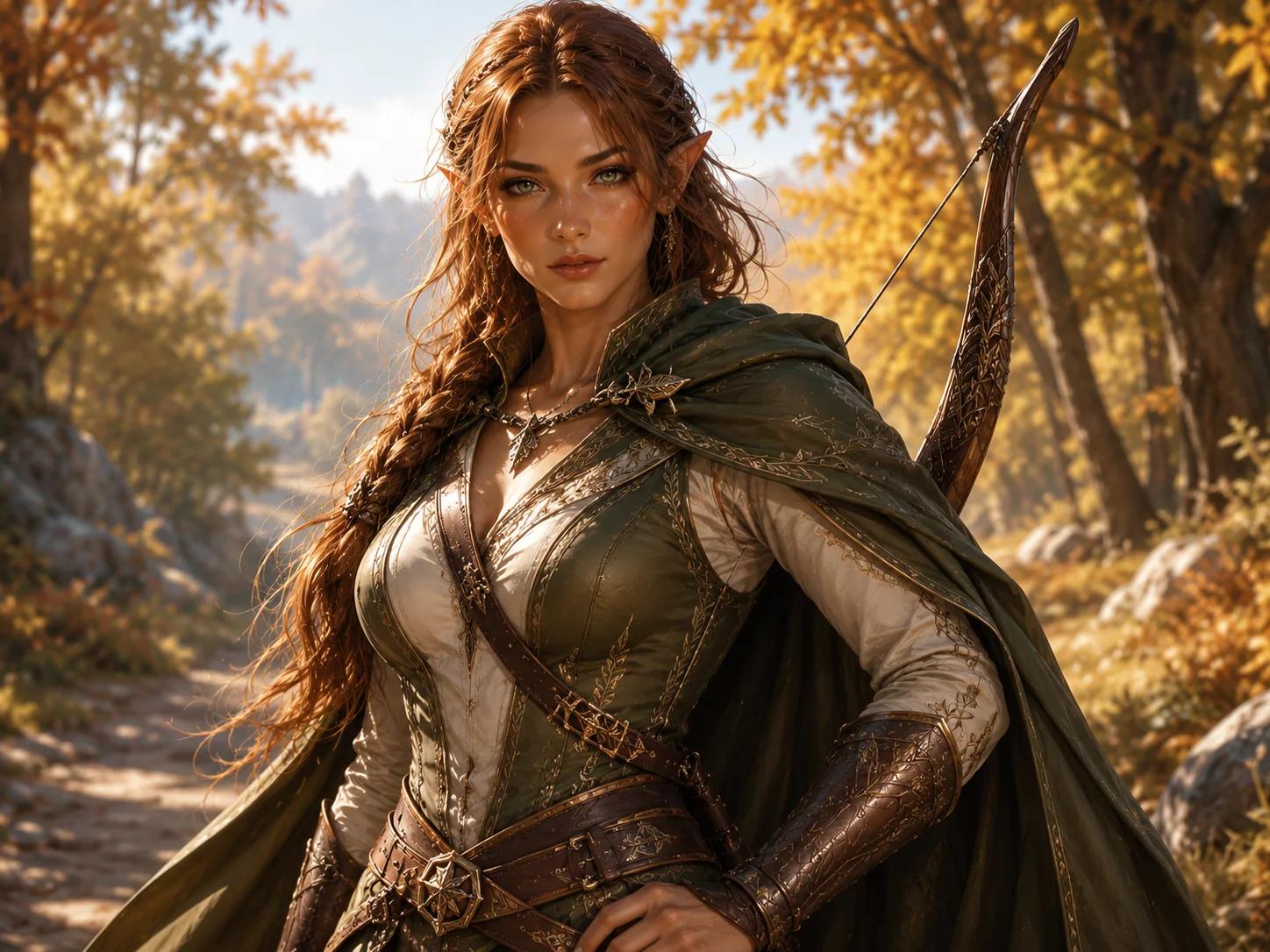
Pointed ears, horns, scars, hair, age and expression should remain clear enough to identify the character at a glance.
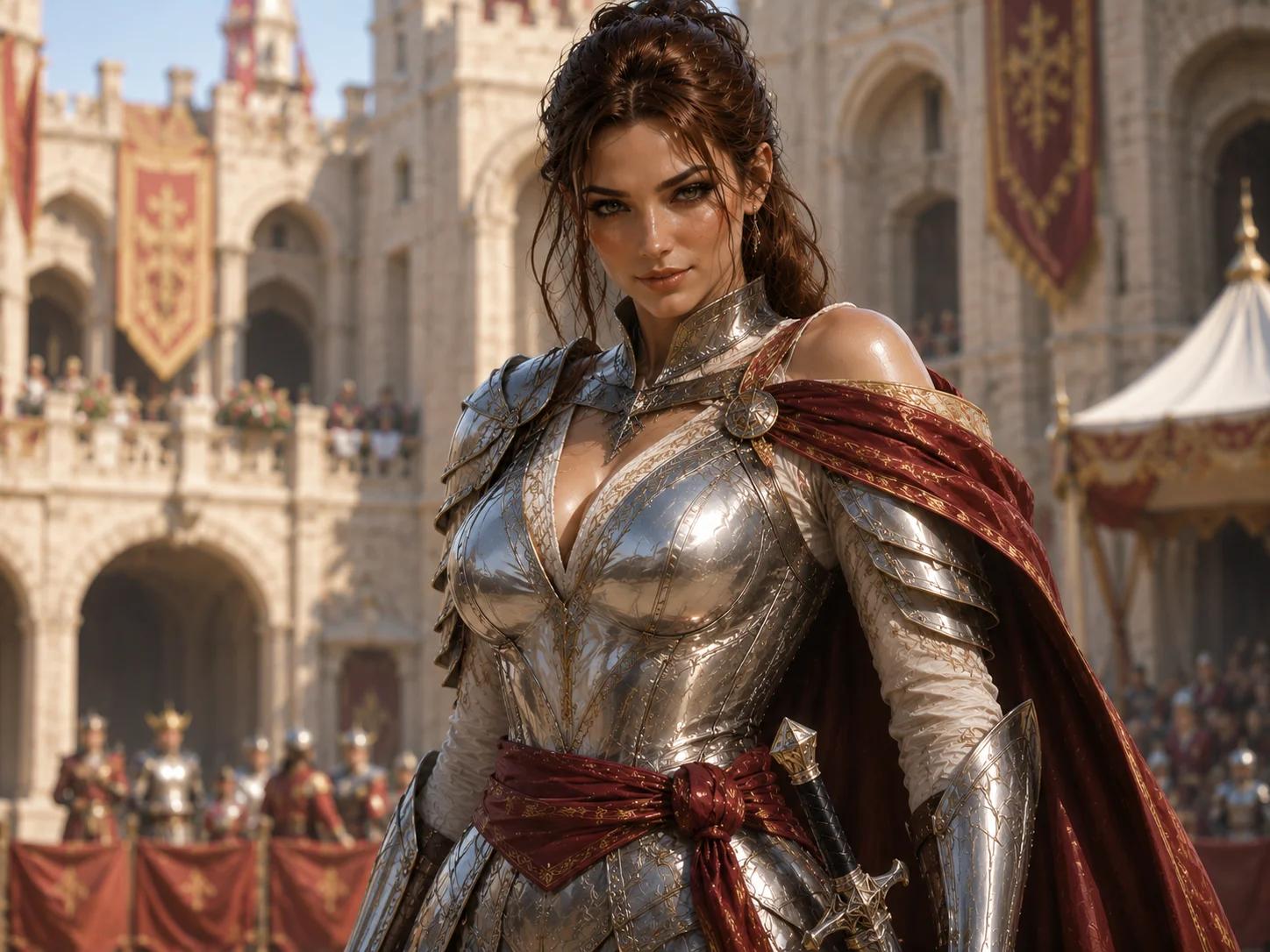
Armor, weapons, spell focuses and holy symbols give the portrait an immediate class silhouette instead of a generic fantasy costume.
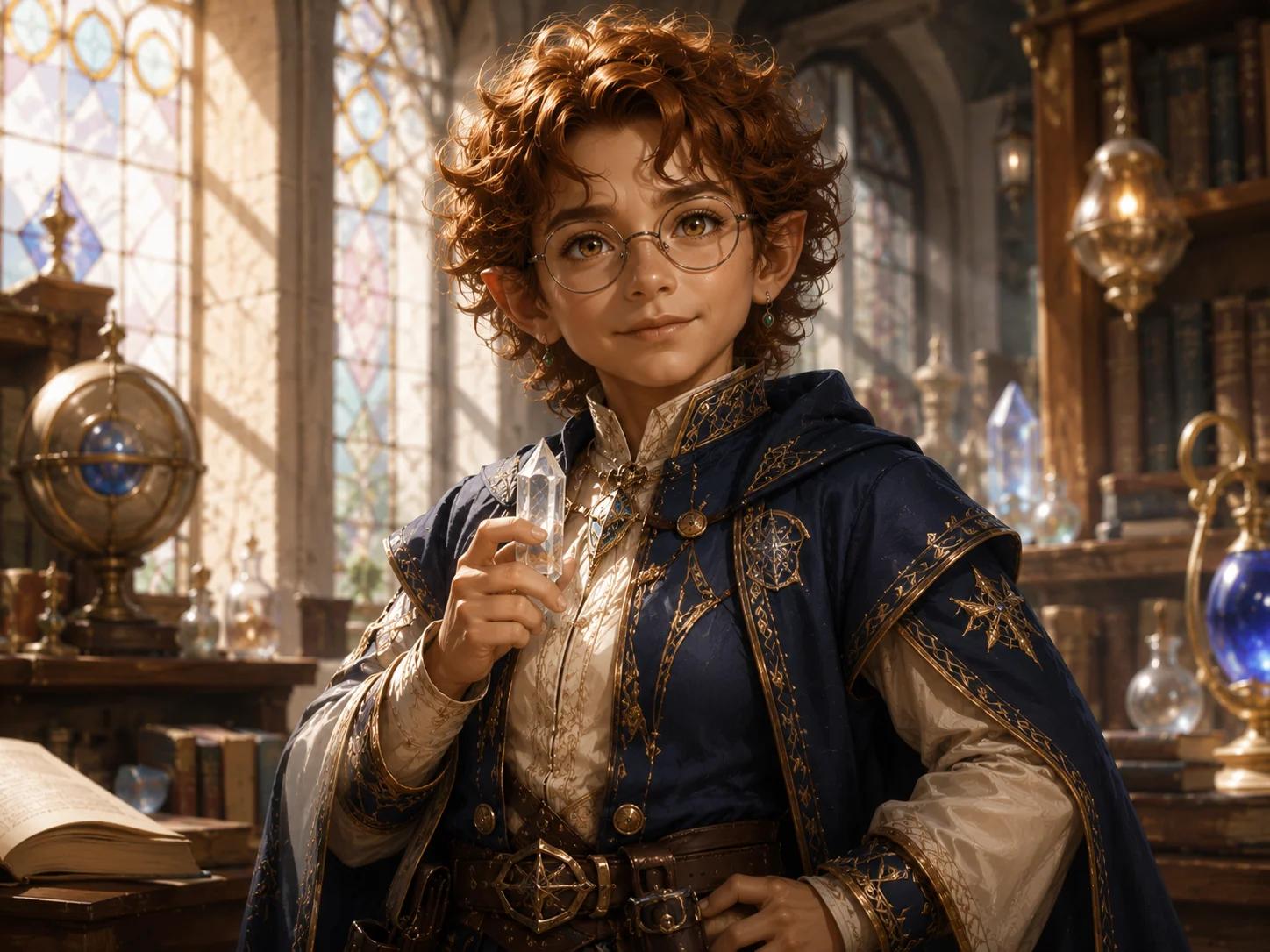
A signature item, unusual feature or visible story clue makes a player character or NPC easier to remember between sessions.
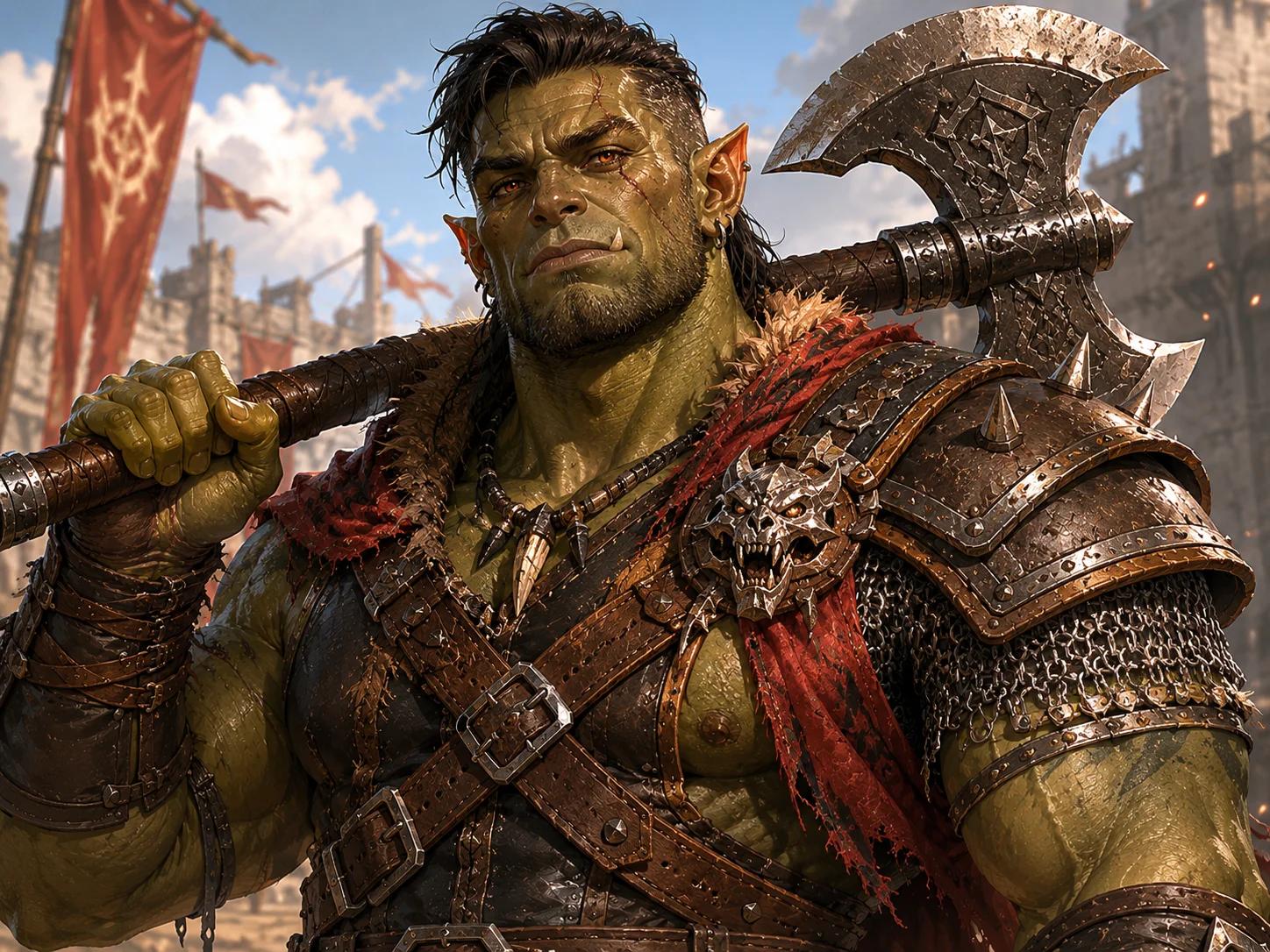
Lighting and setting can suggest a haunted forest, royal court, ruined temple or dangerous frontier without overwhelming the portrait.

A clean character-first frame stays useful when cropped for a character sheet, VTT avatar, campaign wiki or group chat profile.
Guided Portrait Workflow
The workflow follows information players already keep on a character sheet. That makes it easier to describe one specific RPG hero than to invent a long image prompt from scratch.
Choose ancestry, class, presentation and art style, then add equipment, visible features, setting and one defining story detail.
Use Epic Fantasy, Dark Fantasy or Anime while keeping the same core D&D character information in the prompt.
Generate once as a guest, then continue with Google for two bonus portraits and access to paid portrait plans.
Use the finished image on a character sheet, VTT profile, campaign wiki, party introduction or session recap.
Portrait Style Presets
The same ancestry, class and story details can support very different campaign tones. Pick the visual direction first, then let the guided D&D portrait generator keep the character identity consistent inside that style.
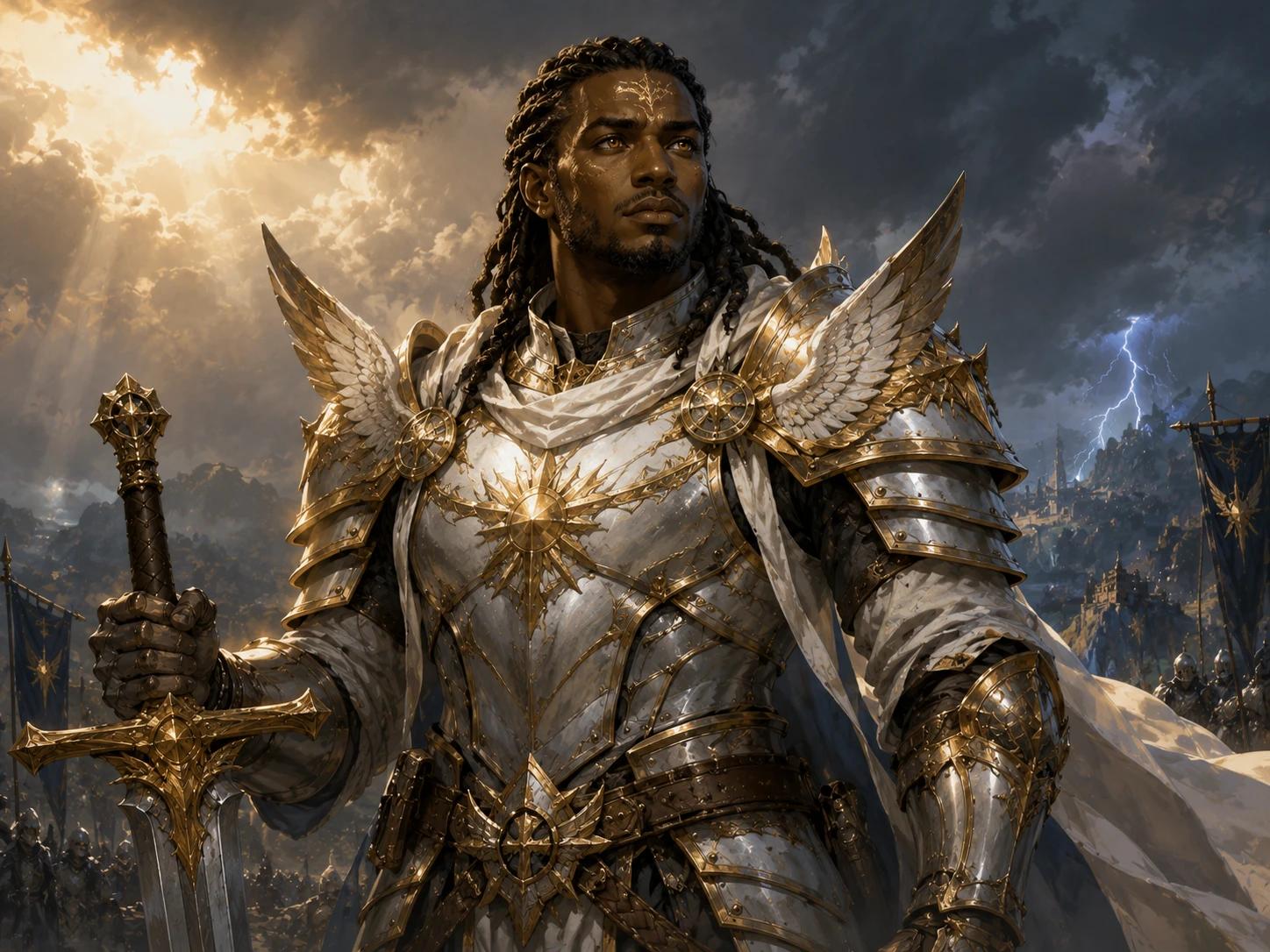
Use dramatic lighting, heroic armor and a cinematic backdrop for player characters, villains and high-stakes campaign reveals.
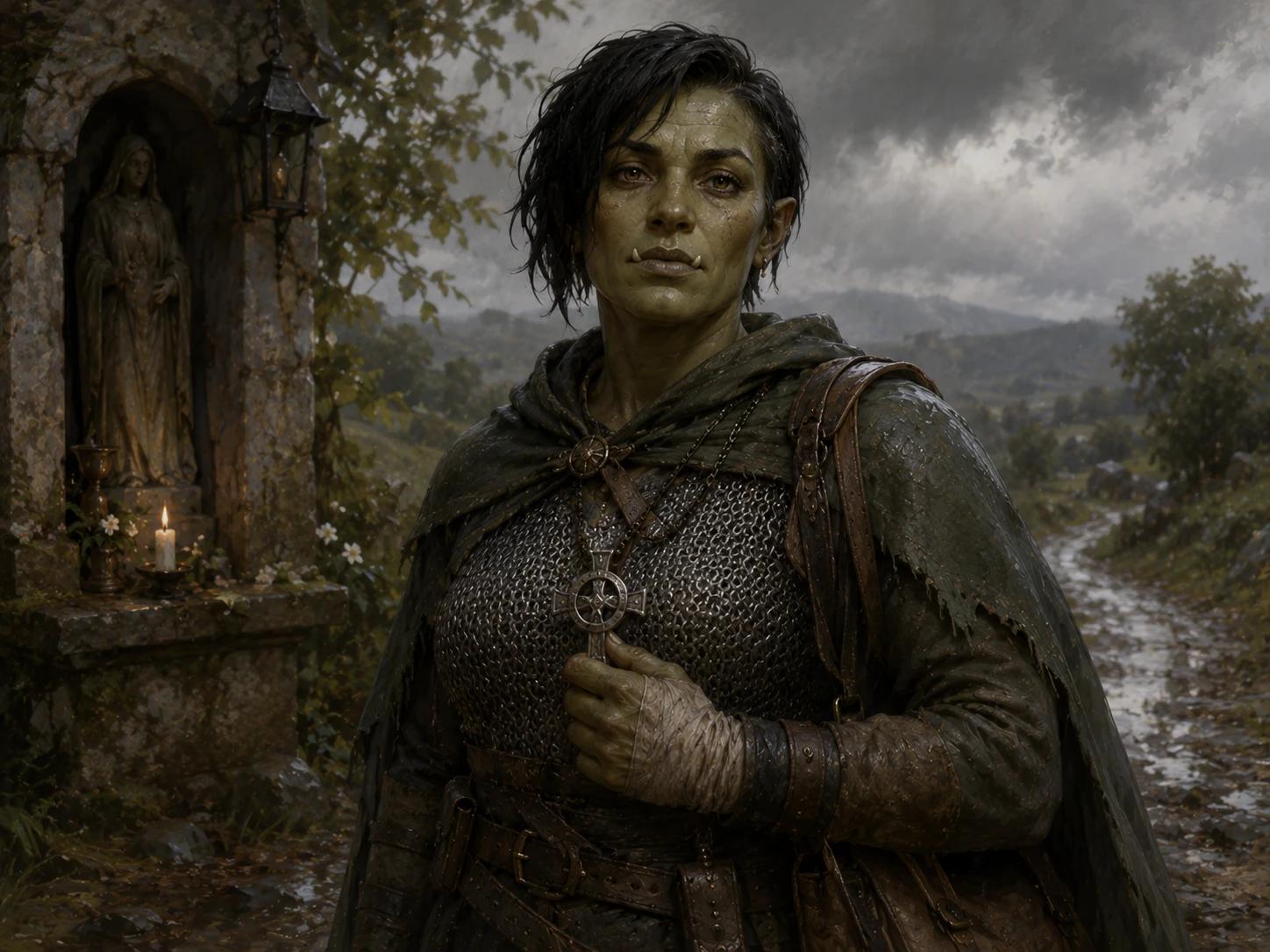
Use weathered materials, ominous atmosphere and controlled shadows for grim campaigns, villains and morally complex characters.
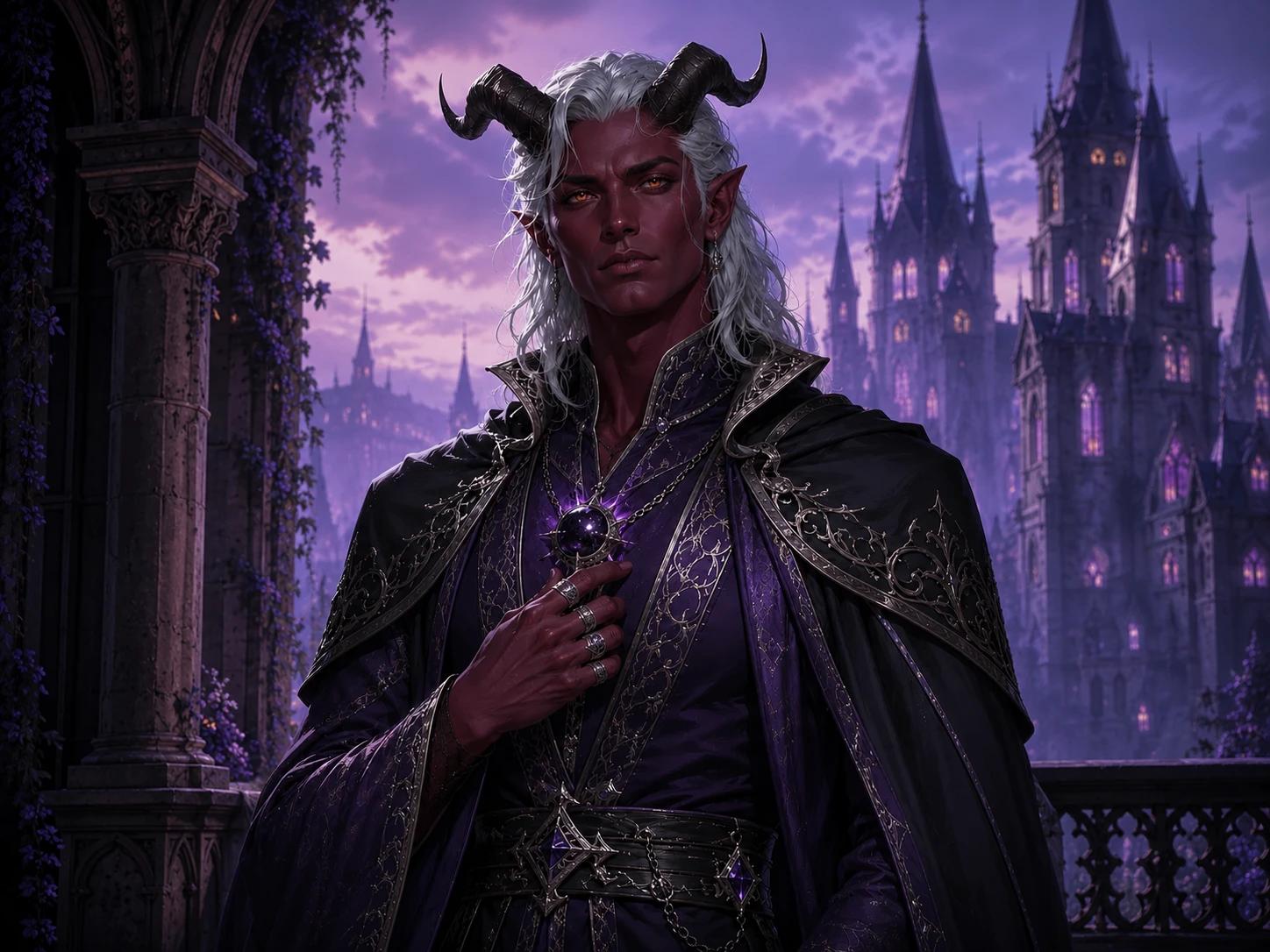
Choose a cleaner illustrated style for expressive party members, lighter campaigns, visual novels and anime-inspired tabletop worlds.
Start with the character facts that should not change: ancestry, class, equipment, visible features and mood. Then compare portrait styles without rewriting the entire concept. NanoEditor keeps the rendering setup behind the workflow so you can focus on the character and the campaign result.
Access, Plans and Results
Answers about character details, Google sign-in, guest access, portrait styles, virtual tabletop use and how generated images are handled.
An AI D&D portrait generator turns tabletop character details such as ancestry, class, equipment, appearance and mood into a focused fantasy RPG character portrait.
Choose the character's ancestry, class, presentation and art style. Add signature equipment, visible features, a setting and one defining story detail, then generate the portrait from the guided brief.
Yes. You can generate one successful D&D character portrait as a guest. A new Google account then receives two bonus portraits after registration.
The current workflow supports Epic Fantasy, Dark Fantasy and Anime while keeping the same character facts and structured inputs.
Yes. The focused character composition works for VTT profiles, campaign wikis, character sheets, party introductions and private campaign chat avatars.
No. Signed-in portrait results stay private to your account and are not automatically added to a public gallery.
Bring the Character Sheet to Life
Start with the ancestry, class, equipment and story details you already know. Generate one portrait as a guest, then continue with Google for two bonus portraits after registration.
Create Your D&D Character Portrait